

Cloud Disk Array - Criação de pool (EN)
242 visualizações
 06.05.2025
  Cloud / NAS-HA
--- title: Cloud Disk Array - Criação de pool (EN) excerpt: This guide shows you how to create a pool using the OVHcloud Control Panel or API updated: 2025-05-06
Objective
This guide shows you how to create a pool, using the OVHcloud Control Panel or the OVHcloud API.
Requirements
- A Cloud Disk Array solution
OVHcloud Control Panel Access
- Direct link: Cloud Disk Array
- Navigation path:
Bare Metal Cloud>Cloud Disk Array> Select your service
Instructions
Using the OVHcloud Control Panel is the easiest way to create a pool.
Using the OVHcloud Control Panel
On your Cloud Disk Array service page, you will find the existing pools in Pools.
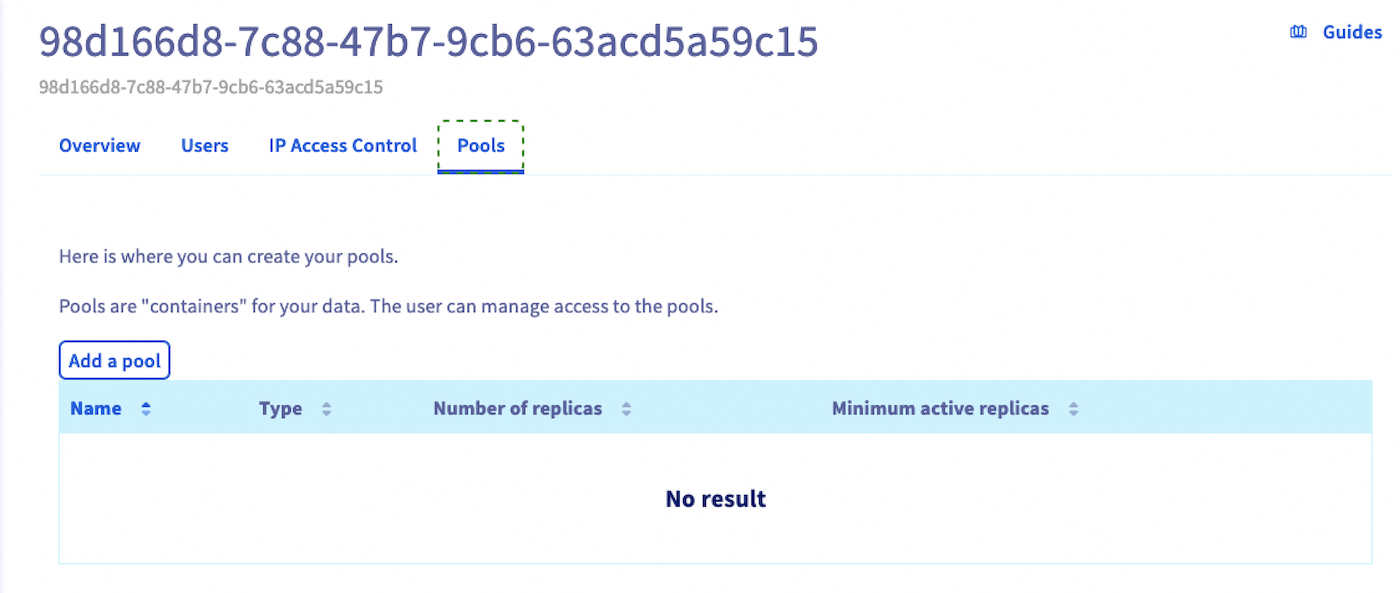
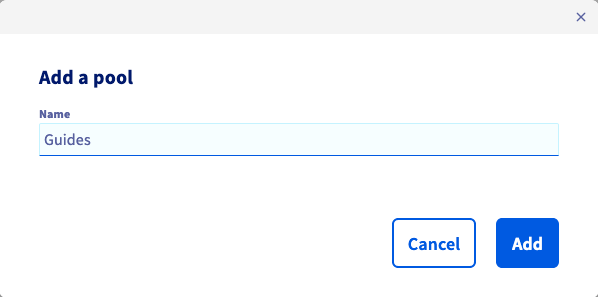
Enter a poolname. It must contain at least three characters.
You can then see that the cluster status has changed because the pool is being created.

Using the API
If you are not familiar with the OVHcloud API, read our First Steps with the OVHcloud API guide.
Use the following API call to create a pool:
serviceName is the fsid of your cluster.
You can check the pool creation by listing pools with the following endpoint:
For example:
Go further
Visit our dedicated Discord channel: https://discord.gg/ovhcloud. Ask questions, provide feedback and interact directly with the team that builds our Storage and Backup services.
If you need training or technical assistance to implement our solutions, contact your sales representative or click on this link to get a quote and ask our Professional Services experts for assisting you on your specific use case of your project.
Join our community of users.


 Cloud Disk Array - Criação de usuário (EN)
 247
247