

Deploying a Helm chart from your private registry in Kubernetes
258 visualizações
 27.11.2023
  Cloud / Managed Private Registry
OVHcloud Managed Private Registry service is a composite cloud-native registry which supports both container image management and Helm chart management.
This guide will explain how to deploy a Helm chart from your OVHcloud Managed Private Registry in a Kubernetes cluster.
Before you begin
This tutorial presupposes that you already have a working OVHcloud Managed Kubernetes cluster, and some basic knowledge of how to operate it. If you want to know more on those topics, please look at the deploying a Hello World application documentation. You will need to have Helm installed on your cluster (see the installing helm guide for more information).
You also need to have a working OVHcloud Managed Private Registry and have followed the guide on managing Helm charts in the OVHcloud Managed Private Registry.
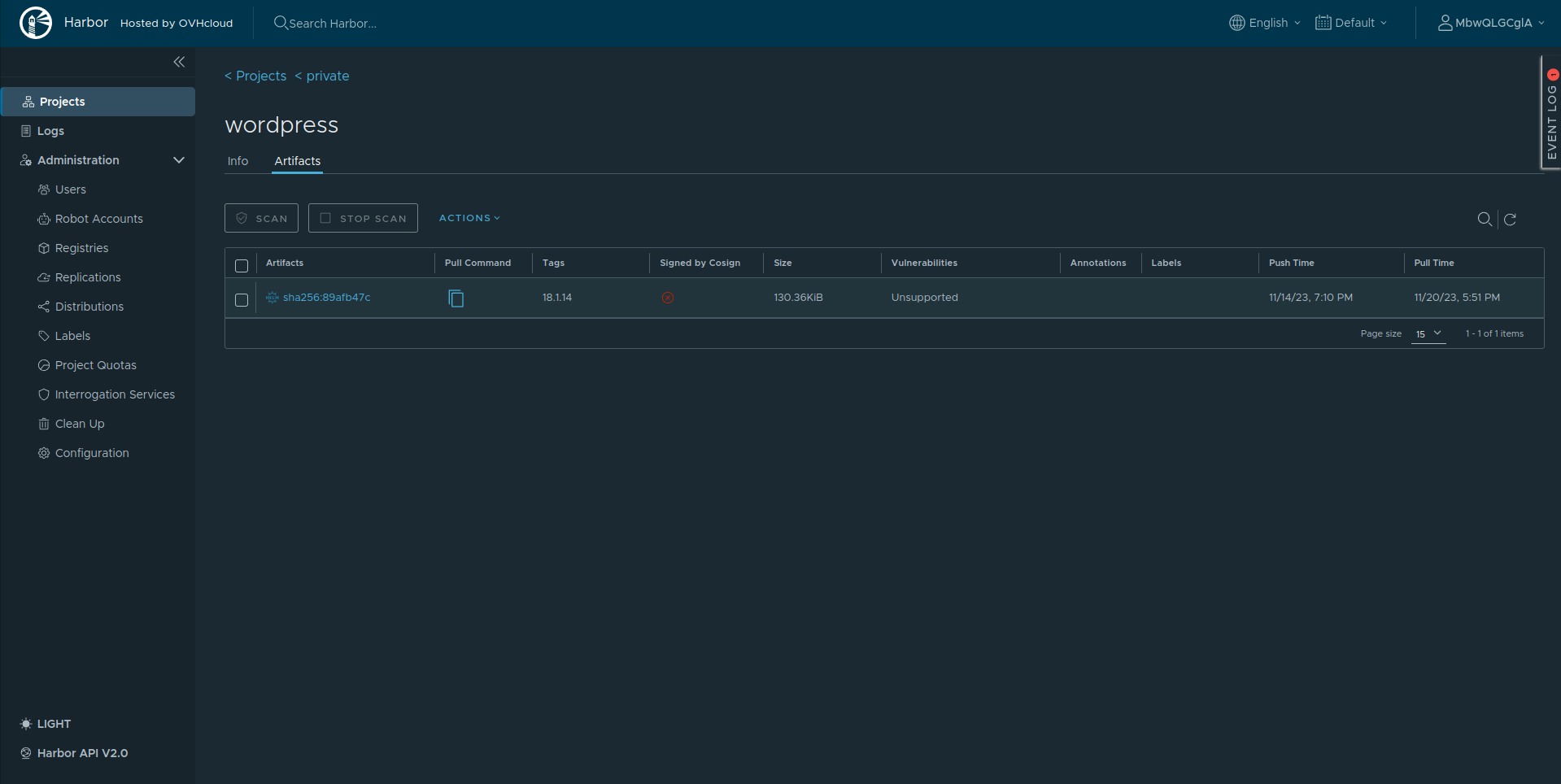
After following the previous guide, you should have at least one WordPress Helm chart in your Managed Private Registry:
Prerequisites
Install Helm v3.8+
Check if Helm is installed in the required version:
If the version is less than v3.8.0, follow the official instructions to install Helm in latest version.
Instructions
Deploying a chart from your registry in Kubernetes
Login to the OVHcloud Managed Private Registry
Before being able to pull or push Helm charts, login to Harbor:
For example:
Install charts
Deploy the Wordpress Helm chart inside the Kubernetes cluster:
In my case:
Check WordPress is running correctly:
Go further
To have an overview of the OVHcloud Managed Private Registry service, you can go to the OVHcloud Managed Private Registry site.
Join our community of users on https://community.ovh.com/en/.


 Managing Helm charts in the OVHcloud Managed Private Registry
 411
411