

AI Endpoints - Integration in Python with LiteLLM
54 viste
 05.01.2026
  AI Endpoints
AI Endpoints is covered by the OVHcloud AI Endpoints Conditions and the OVHcloud Public Cloud Special Conditions.
🎉 New Integration Available! We're excited to announce a new integration for AI Endpoints with LiteLLM. It will significantly simplify the use of our AI models in your Python applications, and continues our commitment to integrating AI Endpoints into as many open-source tools as possible to simplify its usage.
Objective
OVHcloud AI Endpoints allows developers to easily add AI features to their day to day developments.
In this guide, we will show how to use LiteLLM to integrate OVHcloud AI Endpoints directly into your Python applications.
With LiteLLM’s unified interface and OVHcloud’s scalable AI infrastructure, you can quickly experiment, switch between models, and streamline the development of your AI-powered applications.
Definition
- LiteLLM: A Python library that simplifies using Large Language Model (LLM) by providing a unified interface for different AI providers. Instead of managing the specifics of each API, LiteLLM gives you access to over 100 different models using OpenAI format.
- AI Endpoints: A serverless platform by OVHcloud providing easy access to a variety of world-renowned AI models including Mistral, LLaMA, and more. This platform is designed to be simple, secure, and intuitive with data privacy as a top priority.
Why is this integration important?
This new integration offers you several advantages:
- Simplicity: A unified interface for all your AI models
- Flexibility: Switch between models without rewriting your code
- Compatibility: OpenAI-compatible syntax for easy migration
- Robustness: Automatic error handling and retry mechanisms
- Observability: Built-in logging and monitoring capabilities
- Models: All of our models are available in LiteLLM!
Requirements
Before getting started, make sure you have:
- An OVHcloud account with access to AI Endpoints
- Python 3.8 or higher installed
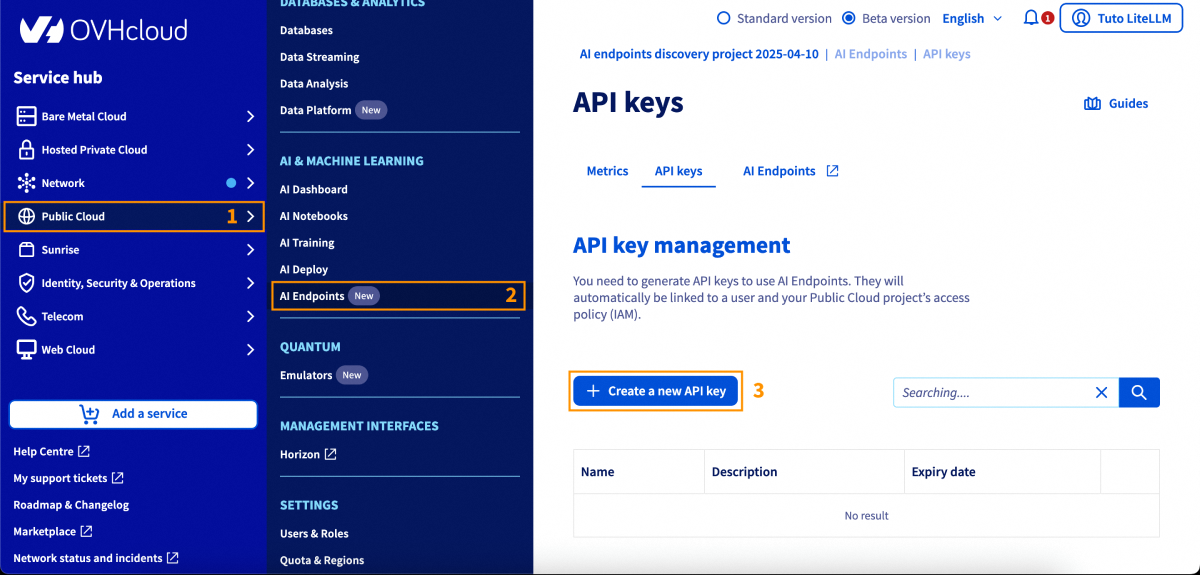
- An API key generated from the OVHcloud Control Panel, in
Public Cloud>AI Endpoints>API keys
Instructions
Installation
Install LiteLLM via pip:
And that's all, you are ready to go! 🎉
Basic Configuration
Environment Variables
The recommended method to configure your API key is using environment variables:
Basic Usage
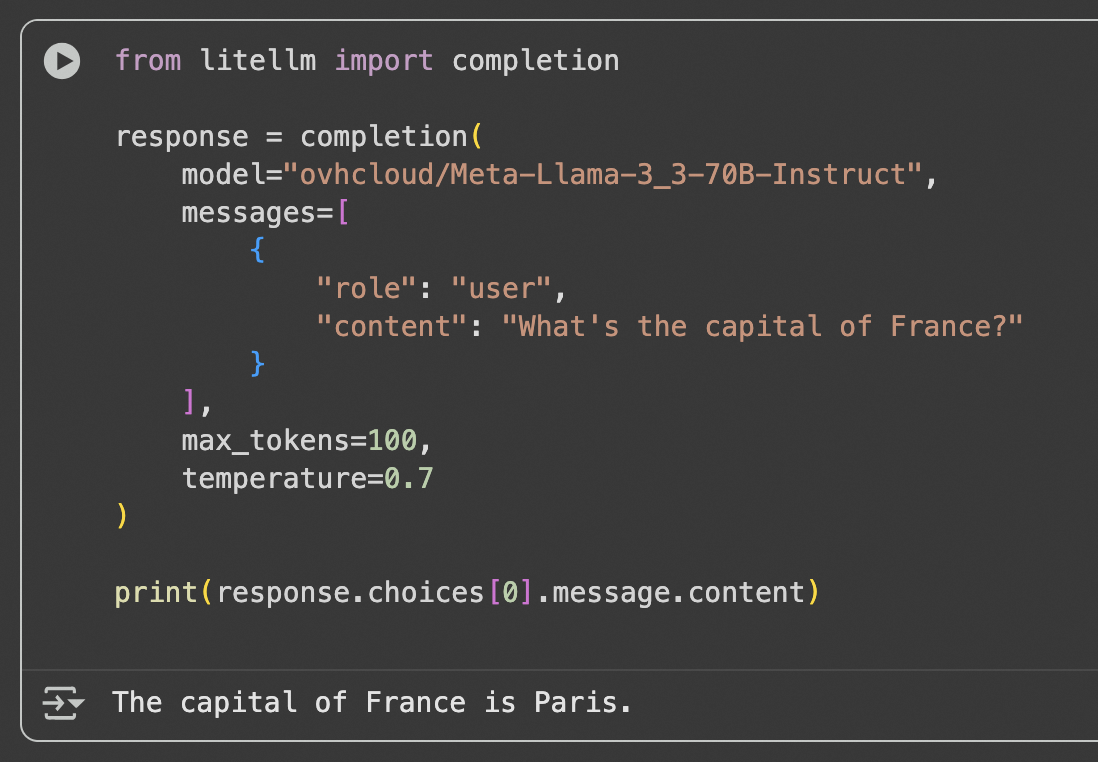
Here's a simple usage example:
Advanced Features
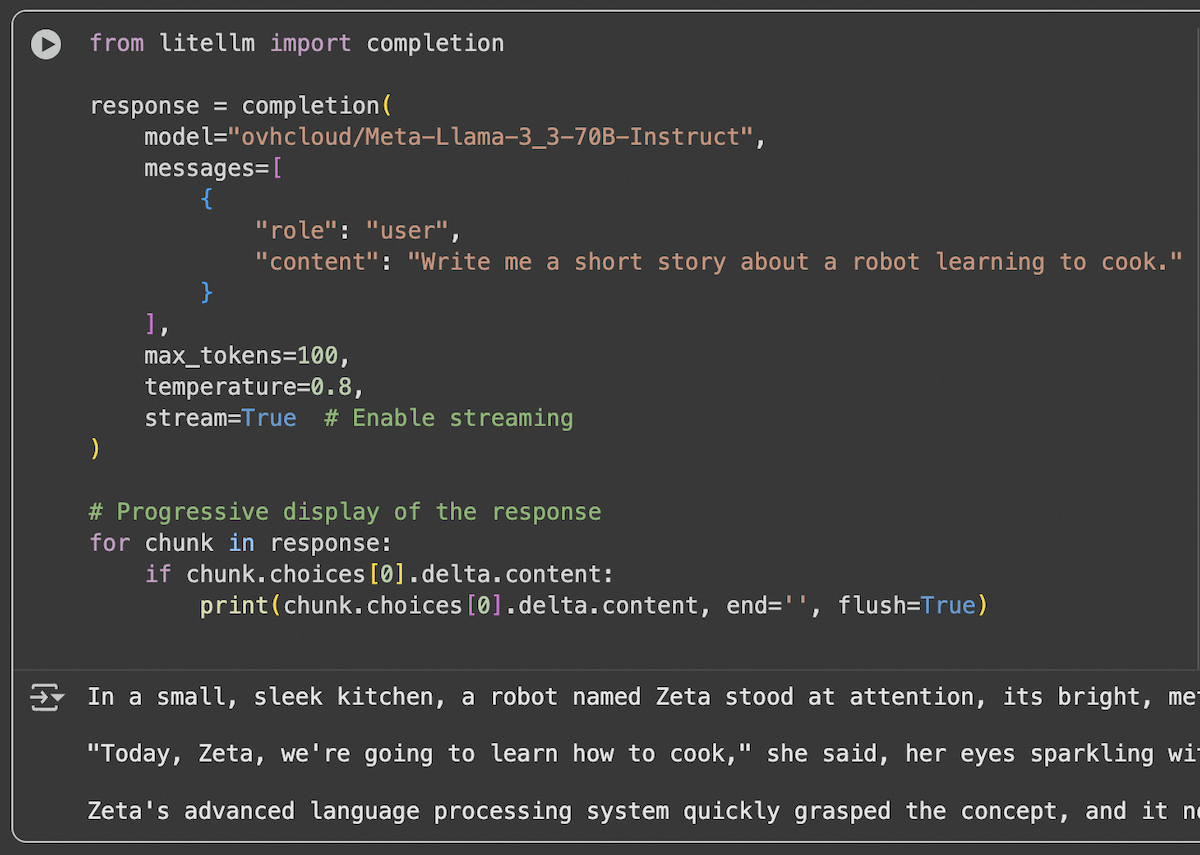
Response Streaming
For applications requiring real-time responses, use streaming:
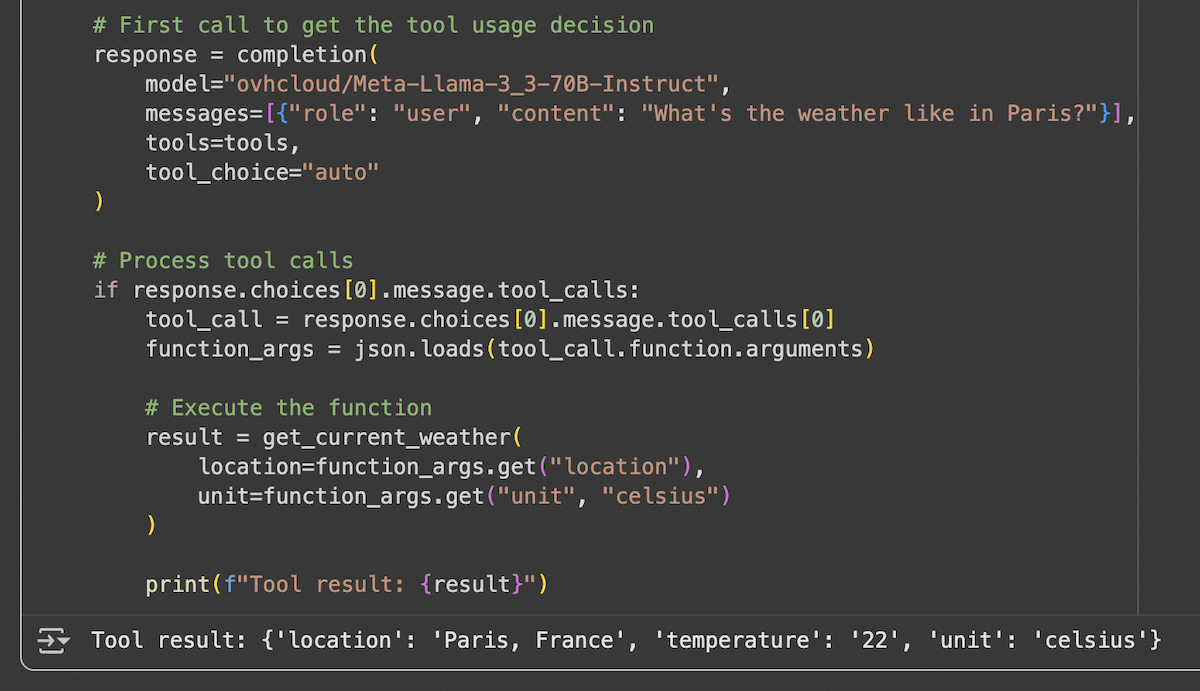
Function Calling (or Tool Calling)
LiteLLM supports function calling with AI Endpoints compatible models:
Vision and Image Analysis
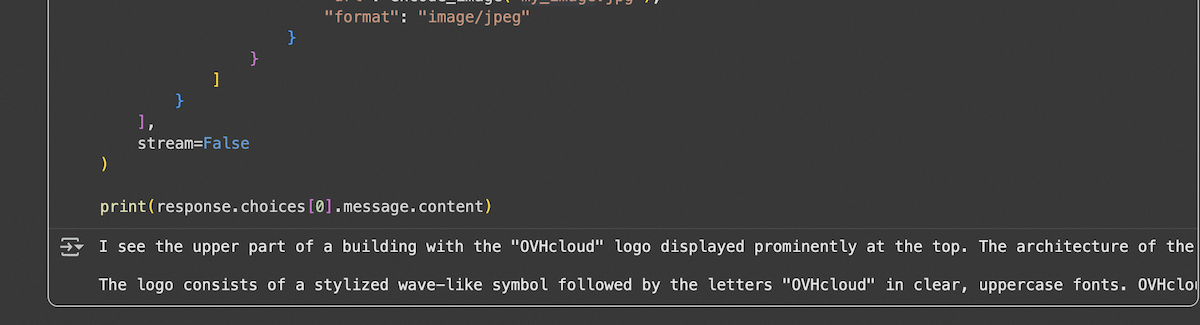
For models supporting vision capabilities:
| Reference Photo | Output |
|---|---|
 |  |
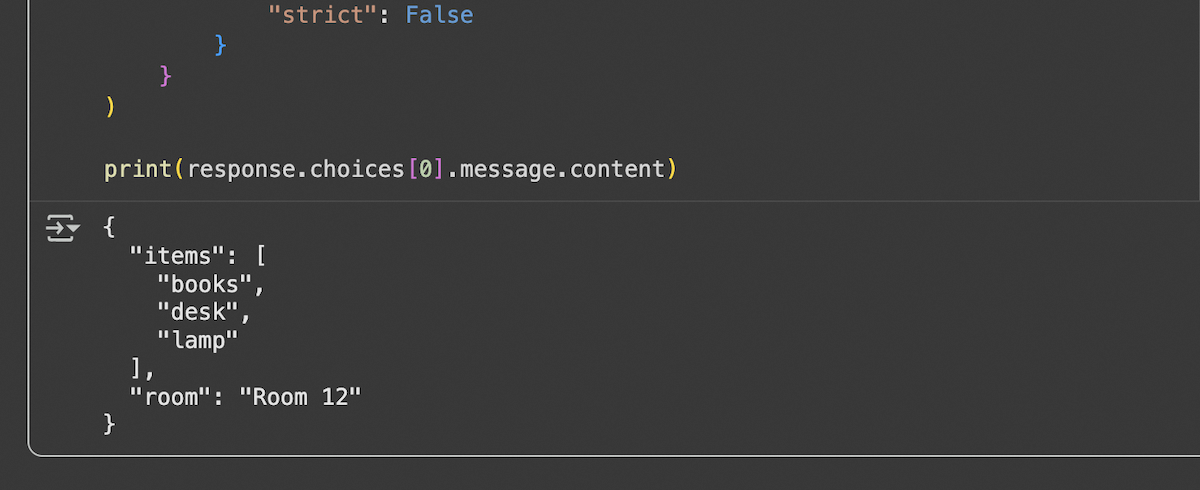
Structured Output (JSON Schema)
To get responses in a structured format:
Embeddings
To generate embeddings with compatible models:

Using LiteLLM Proxy Server
Proxy Server Configuration
For production deployments, you can use the LiteLLM proxy server:
1. Install LiteLLM proxy:
2. Create a config.yaml file:
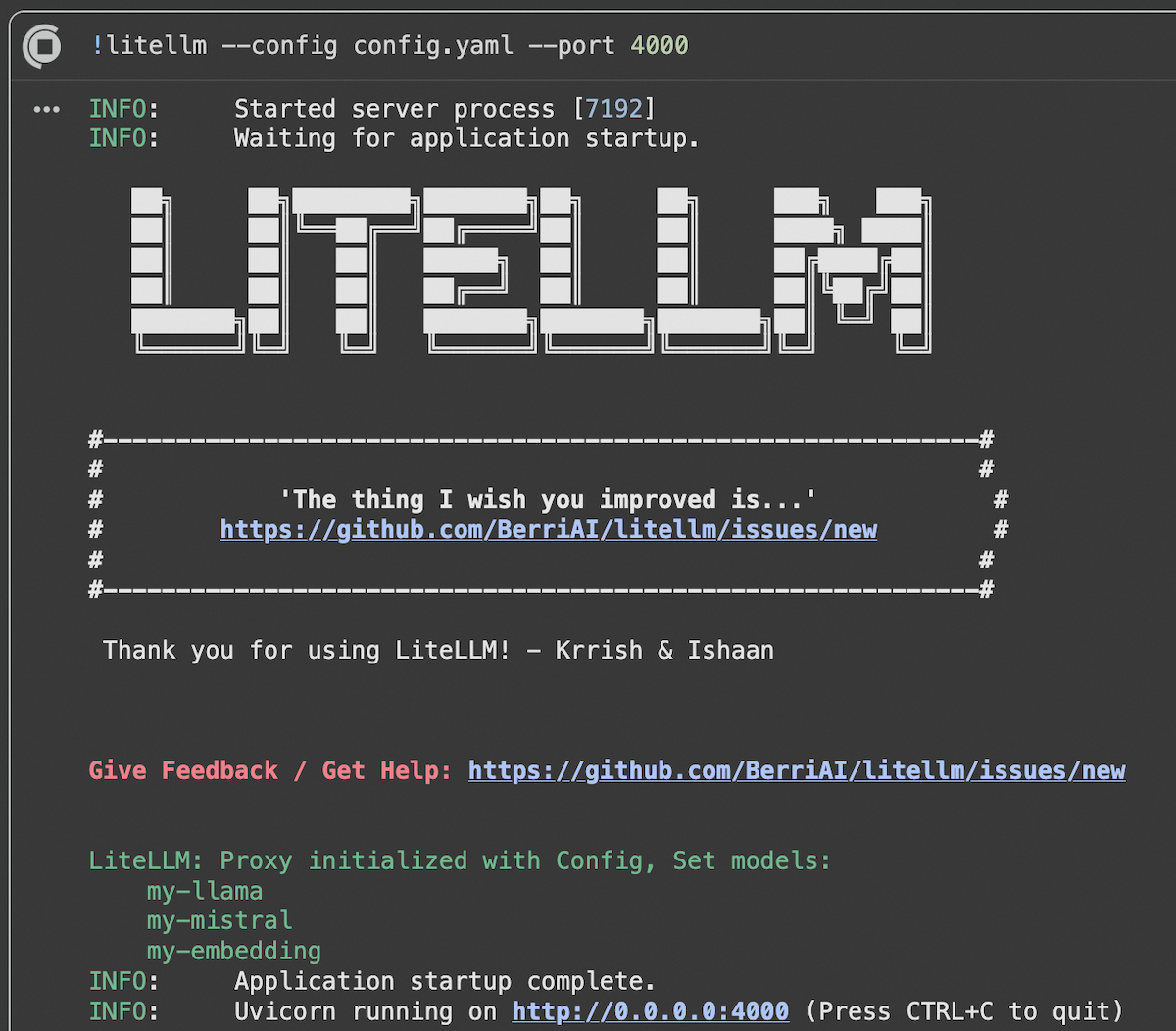
3. Start the proxy server:
The proxy server is live with our models!
Using the Proxy
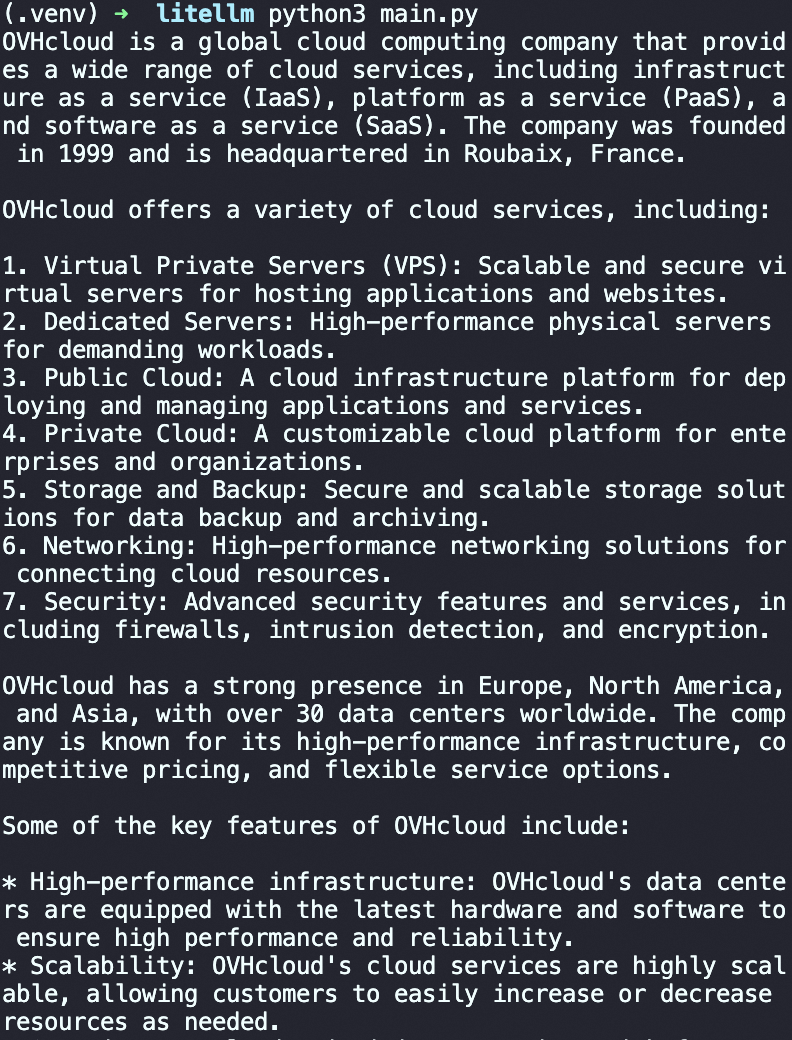
Once the proxy is running, use it like a standard OpenAI API:
Available Models
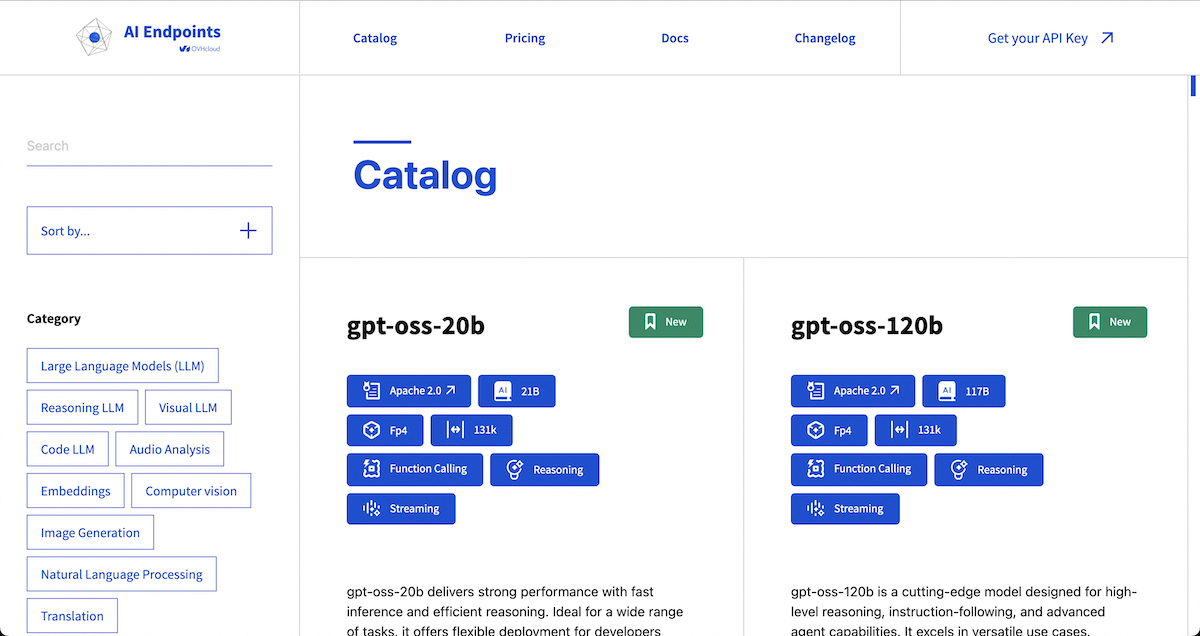
OVHcloud AI Endpoints offers a wide range of models accessible via LiteLLM. For the complete and up-to-date list, visit our model catalog.
Popular Models
- Llama 3.3 70B Instruct:
ovhcloud/Meta-Llama-3_3-70B-Instruct - Mistral Small:
ovhcloud/Mistral-Small-3.2-24B-Instruct-2506 - GPT-OSS-120B:
ovhcloud/gpt-oss-120b - BGE-M3 (Embeddings):
ovhcloud/BGE-M3
Best Practices
1. API Key Management
- Always use environment variables for API keys.
- Never commit keys to source code.
- Implement regular key rotation. You can set an expiry date to your key in the OVHcloud Control Panel.
2. Performance Optimization
- Use streaming for long responses.
- Cache frequent responses.
- Adjust
max_tokensparameters according to your needs.
Conclusion
In this article, we explored how to integrate OVHcloud AI Endpoints with LiteLLM to seamlessly use a wide range of AI models in your Python applications. Thanks to LiteLLM’s unified interface, switching between models and providers becomes straightforward, while OVHcloud AI Endpoints ensures secure, scalable, and production-ready AI infrastructure.
Go further
You can find more informations about LiteLLM on their official documentation. You can also navigate in the AI Endpoints catalog to explore the models that are available through LiteLLM.
To take your use of LiteLLM even further and get the most out of OVHcloud AI Endpoints, you can easily implement intelligent request routing. LiteLLM allows you to manage the routing and load balancing of incoming requests. Refer to this tutorial.
Browse the full AI Endpoints documentation to further understand the main concepts and get started.
If you need training or technical assistance to implement our solutions, contact your sales representative or click on this link to get a quote and ask our Professional Services experts for a custom analysis of your project.
Feedback
Please feel free to send us your questions, feedback, and suggestions regarding AI Endpoints and its features:
- In the #ai-endpoints channel of the OVHcloud Discord server, where you can engage with the community and OVHcloud team members.


 AI Endpoints - Enable conversational memory in your chatbot using LangChain
 196
196