

Installing Jenkins on OVHcloud Managed Kubernetes
619 vues
 20.12.2021
  Cloud / Managed Kubernetes Service
In this tutorial we are going to guide you with the install of Jenkins on your OVHcloud Managed Kubernetes Service.
We are going to install Jenkins master and slave cluster utilizing the Jenkins Kubernetes plugin.
Before you begin
This tutorial presupposes that you already have a working OVHcloud Managed Kubernetes cluster, and some basic knowledge of how to operate it. If you want to know more on those topics, please look at the OVHcloud Managed Kubernetes Service Quickstart.
You also need to have Helm installer on your workstation and your cluster, please refer to the How to install Helm on OVHcloud Managed Kubernetes Service tutorial.
Pre-requisites
We (the OVHcloud Managed Kubernetes Service team) are working on a patch to be released in early 2022. In the meantime, please remove the default storage class and install the new one.
- Delete the concerned
StorageClassthat you are using by default
It will delete the existing StorageClass:
- Create a new
StorageClasswith the required fix
It will apply the correct StorageClass YAML manifest:
Installing the Jenkins Helm chart
As with Helm 2, the official Helm stable repository is currently deprecated.
The Helm community is currently transitioning to a hub model, with a Helm Hub, where charts can be searched using helm search hub <keyword>
As most charts from the Helm stable repository have been transferred to the Bitnami repository we are using it in the tutorial.
For this tutorial we are using the Jenkins Helm chart found on Bitnami Helm repositories.
The chart is fully configurable, but here we are using the default configuration.
Customizing your install
Maybe you would like your admin username to be different, or be able to set your admin password, or modify the resources allocated...
In order to customize your install, without having to leave the simplicity of using helm and the Jenkins helm chart, you can simply set some of the configurable parameters of the Jenkins chart. Then you can add it to your helm install with the --set option (--set param1=value1,param2=value2)
This will install your Jenkins master:
As the instructions say, you will need to wait a few moments to get the LoadBalancer URL.
You can test if the LoadBalancer is ready using:
After some minutes, you will get the LoadBalancer URL:
The URL under EXTERNAL-IP is your Jenkins URL. You can the follow the instructions on the Helm Chart to get the connection parameters. In my case:
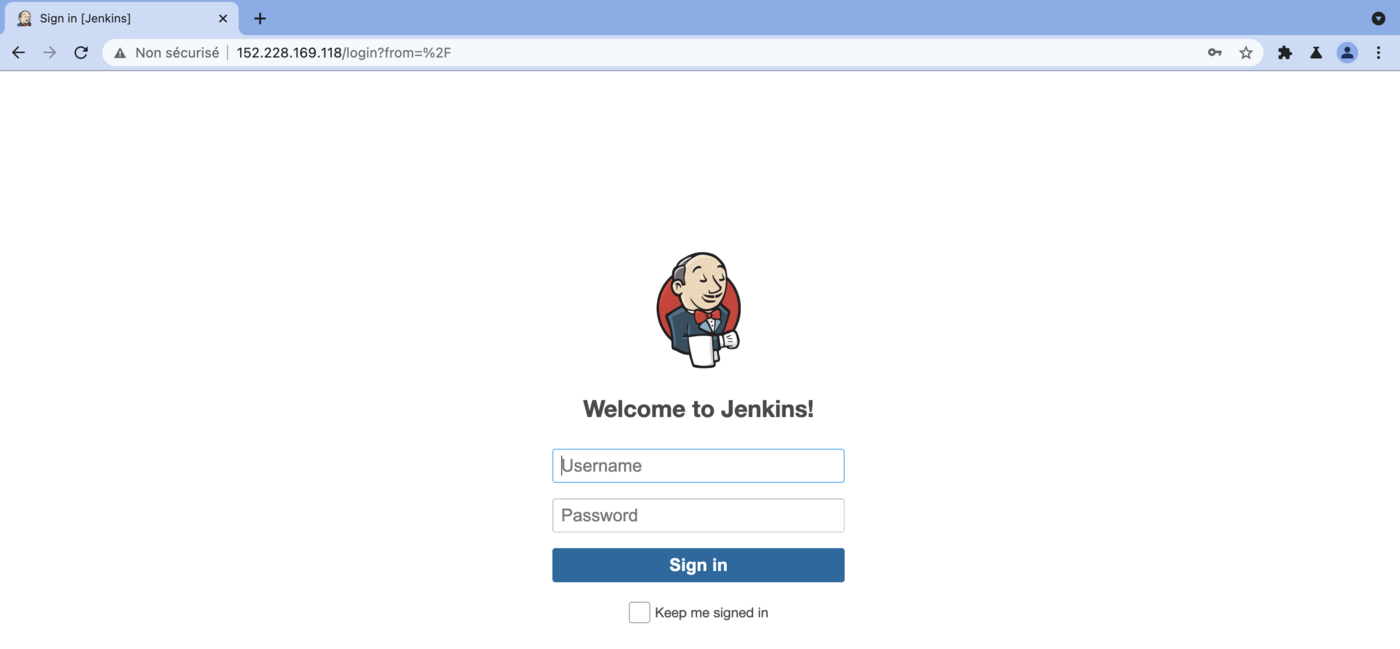
And putting the URL in your browser will take you to the new Jenkins:
Log in with user admin and the password you got before. And here you have your Jenkins:
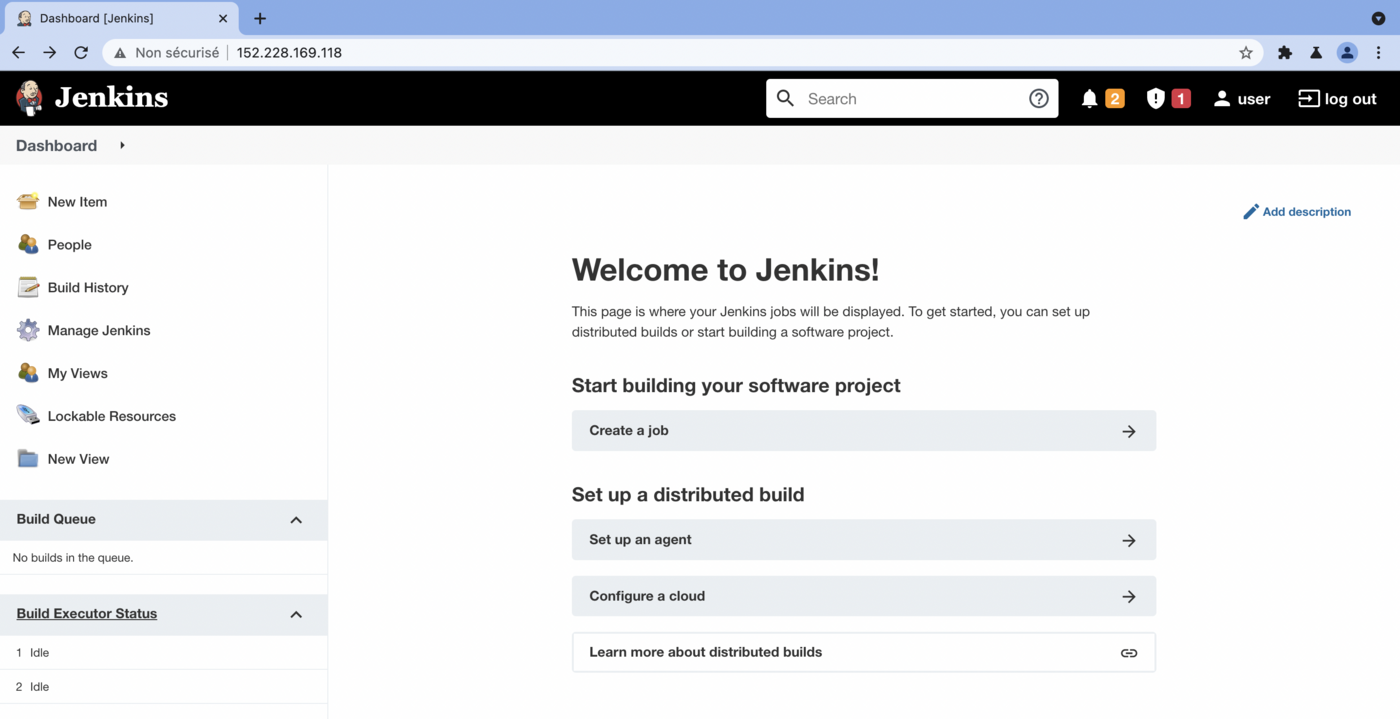
You have a working Jenkins on your OVHcloud Managed Kubernetes Service, congratulations!
Cleaning up
To clean up your cluster, simply use Helm to delete your Jenkins release.
It will delete your Jenkins and its associated resources from your cluster:
Go further
-
If you need training or technical assistance to implement our solutions, contact your sales representative or click on this link to get a quote and ask our Professional Services experts for assisting you on your specific use case of your project.
-
Join our community of users.


 Installing cert-manager on OVHcloud Managed Kubernetes
 3383
3383