

AI Notebooks - Tutoriel - Construire votre classificateur de spam (EN)
260 vues
 22.11.2022
  Cloud / AI Notebooks
Objective
This tutorial will show you how to build a simple spam classifier with OVHcloud AI Notebooks. You will be able to learn the concepts of logistic regression, dimension reduction, stop words, quantiles and much more. A very simple Machine Learning model will be used: the logistic regression.
At the end of this tutorial, you will have learnt the principal methods to build your own spam classifier.
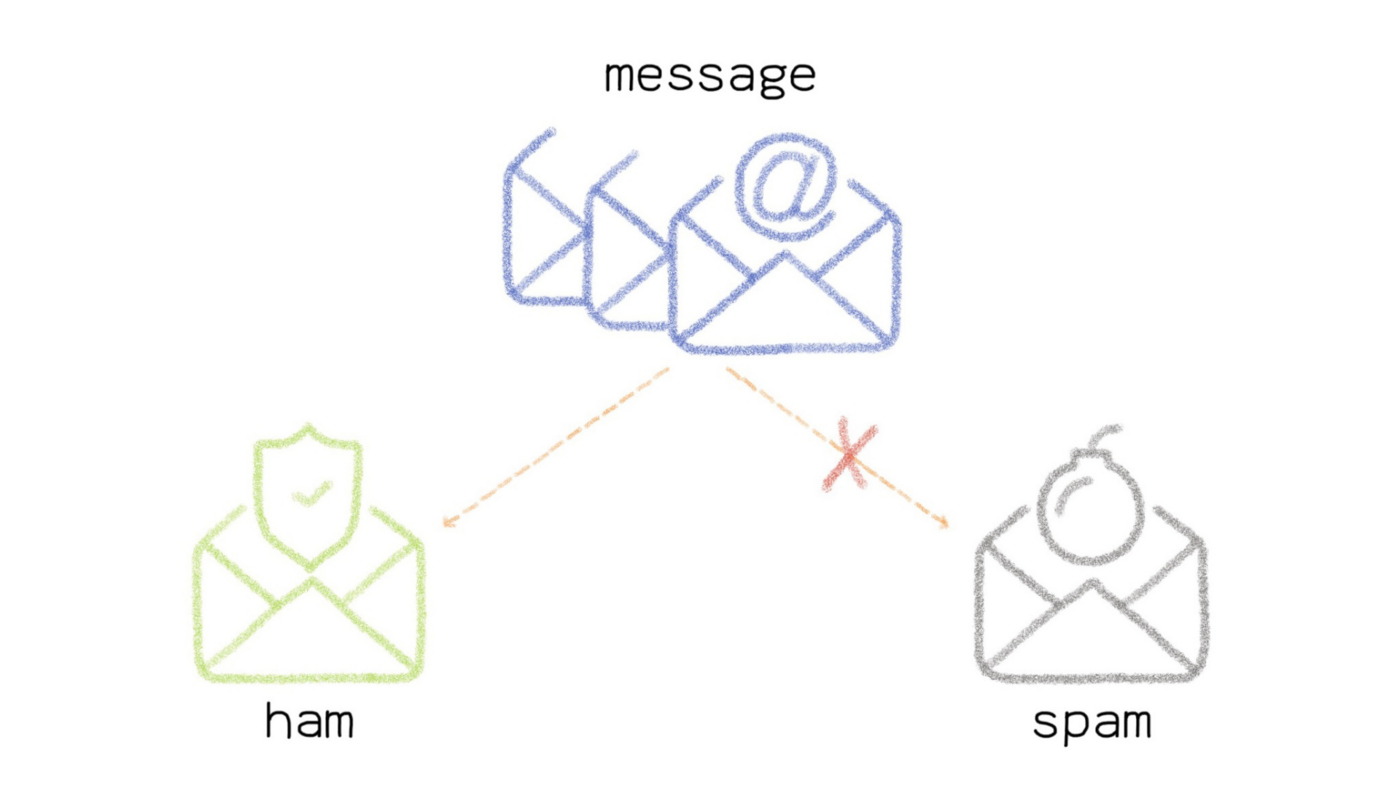
We will be able to create this model with the dataset named SMSSPamCollection. Find it on the SMS Spam Collection Dataset link.
Requirements
- An AI Notebooks project created inside a Public Cloud project in your OVHcloud account
- A user for AI Notebooks
OVHcloud Control Panel Access
- Direct link: Public Cloud Projects
- Navigation path:
Public Cloud> Select your project
Instructions
You can launch your notebook from the OVHcloud Control Panel or via the ovhai CLI.
Launching a Jupyter notebook with "Miniconda" via UI
To launch your notebook from the OVHcloud Control Panel, refer to the following steps.
Code editor
Choose the Jupyterlab code editor.
Framework
In this tutorial, the Miniconda framework is used.
With Miniconda, you will be able to set up your environment by installing the Python libraries you need.
You can choose the conda version you want.
The default version of conda is functional for this tutorial.
Resources
You can choose the number of CPUs or GPUs you want.
Here, using 4 CPU is sufficient.
Launching a Jupyter notebook with "Miniconda" via CLI
If you want to launch it with the CLI, choose the jupyterlab editor and the conda framework.
To access the different versions of conda available, run the following command.
If you do not specify a version, your notebook starts with the default version of conda.
Choose the number of CPUs (<nb-cpus>) to use in your notebook and use the following command.
You can then reach your notebook’s URL once the notebook is running.
Accessing the notebook
Once the repository has been cloned, find your notebook by following this path: ai-training-examples > notebooks > natural-language-processing > text-classification > miniconda > spam-classifier > notebook-spam-classifier.ipynb.
A preview of this notebook can be found on GitHub here.
Go further
- If you are interested in NLP (Natural Language Processing), familiarise yourself with speech to text by following this tutorial.
If you need training or technical assistance to implement our solutions, contact your sales representative or click on this link to get a quote and ask our Professional Services experts for a custom analysis of your project.
Feedback
Please send us your questions, feedback and suggestions to improve the service:
- On the OVHcloud Discord server


 AI Notebooks - Tutoriel - Analyse de sentiments en utilisant Hugging Face (EN)
 390
390