

How to manage tags on resources
50 Views
 15.09.2025
  IAM
IAM
Objective
In this guide, you will learn how to assign and manage tags on your OVHcloud products and how to use them in IAM policies.
Requirements
Instructions
Managing Tags via the Control Panel
You can manage your OVHcloud product tags either through the general tag management interface or through dedicated interfaces within the products.
Tags are metadata in the form of key-value pairs added to OVHcloud resources, which can be used in IAM policies or for resource categorization.
Tag Manager
Tag Manager is the interface that allows you to manage your tags across all your OVHcloud products in a transverse manner.
To access it, go to the Identity, Security & Operations menu, then click Tag Management under the Identity and Access Management section.
The page displays all the tags currently placed on your resources.
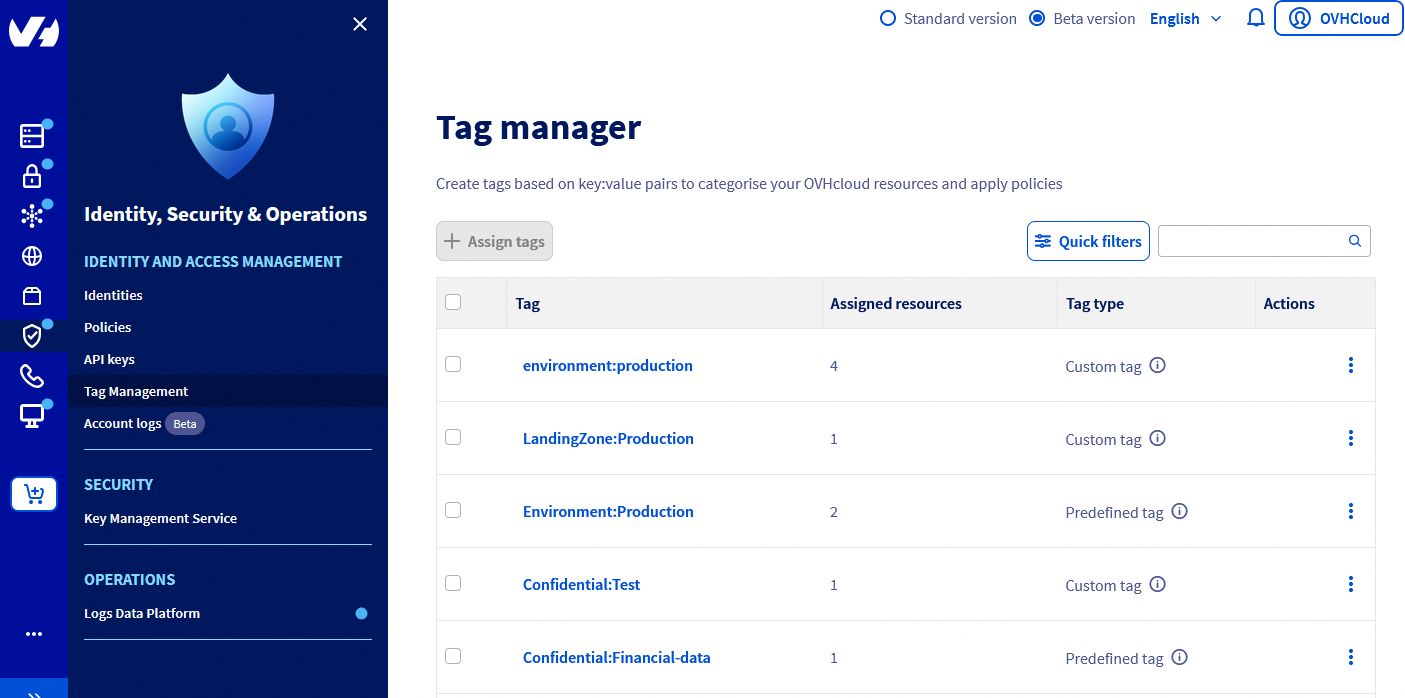
For each tag, the dashboard shows the number of resources associated with this tag and the type of tag.
There are three types of tags:
- Custom: Created and managed by you.
- Predefined: Created by OVHcloud, you are responsible for assigning this type of tag to your resources.
- System: Created and automatically assigned by OVHcloud to your resources (cannot be deleted).
Unassigned predefined tags and system tags do not appear by default and must be displayed via the Quick filters button.
By clicking on the tag, you can access the tag details with the list of concerned resources.
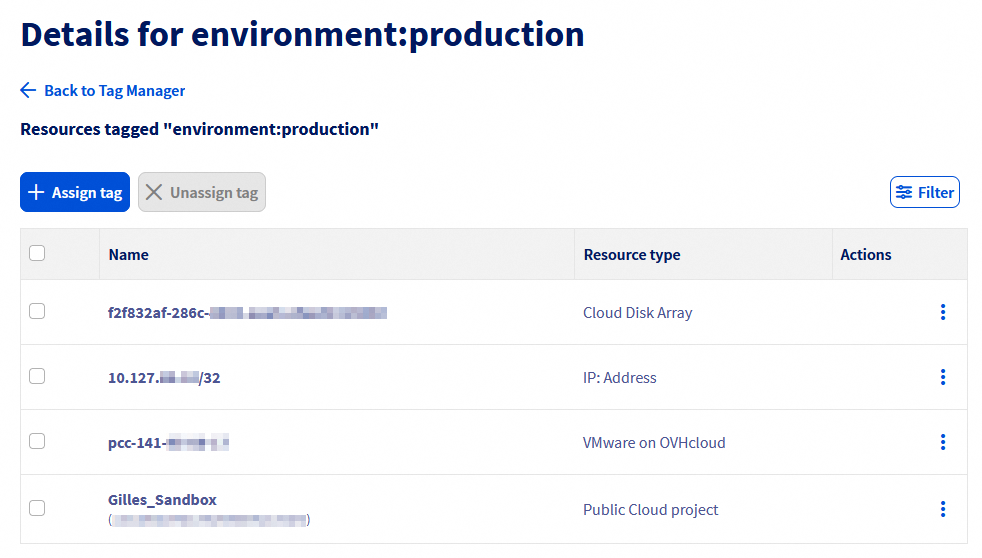
It is then possible to assign this tag to other resources via the Assign tag button. The list of all resources in the account is then displayed, allowing multiple selections.
A filter field is present on the right to facilitate searching for resources.
On the contrary, by selecting resources in the tag details, it is possible to remove the tag from them via the Unassign Tag button.
Product dashboard
For some OVHcloud products, an interface has been added to manage tags directly from the resource management dashboard.
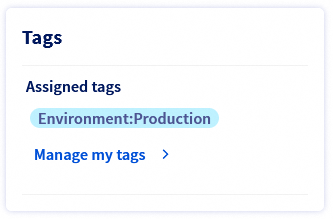
The tag management interface allows you to add or remove tags from the resource.
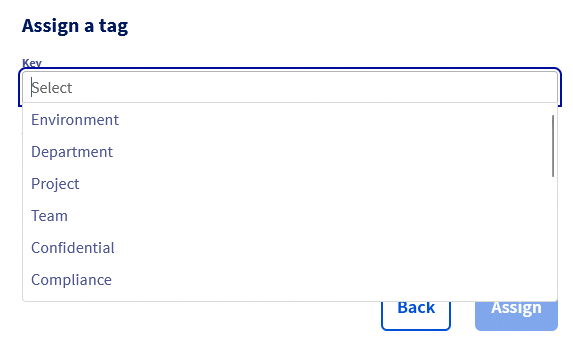
It is possible to either select one or more tags from the list of predefined tags or enter your own tags by typing the keys and values directly into the fields.
Managing Tags via API
Tag management is centralized in a single API for all OVHcloud products:
| Method | Path | Description |
|---|---|---|
| POST | /iam/resource/{resourceURN}/tag | Add a tag to a resource |
| DEL | /iam/resource/{resourceURN}/tag/{key} | Remove a tag from a resource |
The tag must be specified in the following format:
Using Tags in IAM Policies
Tags can be used as conditions in IAM policies using the resource.Tag(tag_key) condition.
For example, the following policy grants rights to all VPS with the tag Environment:Production:
Go further
Join our community of users.


 How to use IAM policies using the OVHcloud Control Panel
 356
356