

Object Storage Swift - Creating an Object Storage container
1824 Views
 27.10.2021
  Cloud / Object Storage S3
Objective
The Object Storage solution for Public Cloud offers an unlimited storage solution with simple billing tailored to your needs. There are many types of object containers:
- For static hosting (static website).
- For private hosting (e.g. storage of personal data).
- For public hosting (to store everything that is accessible to the public).
- For cold storage (archiving).
The first step is to create a container that will hold your files.
This guide explains how to create it from the OVHcloud Control Panel and from the Openstack Horizon interface.
Requirements
If you use Horizon :
OVHcloud Control Panel Access
- Direct link: Public Cloud Projects
- Navigation path:
Public Cloud> Select your project
Instructions
Creating an Object Storage container from the OVHcloud Control Panel
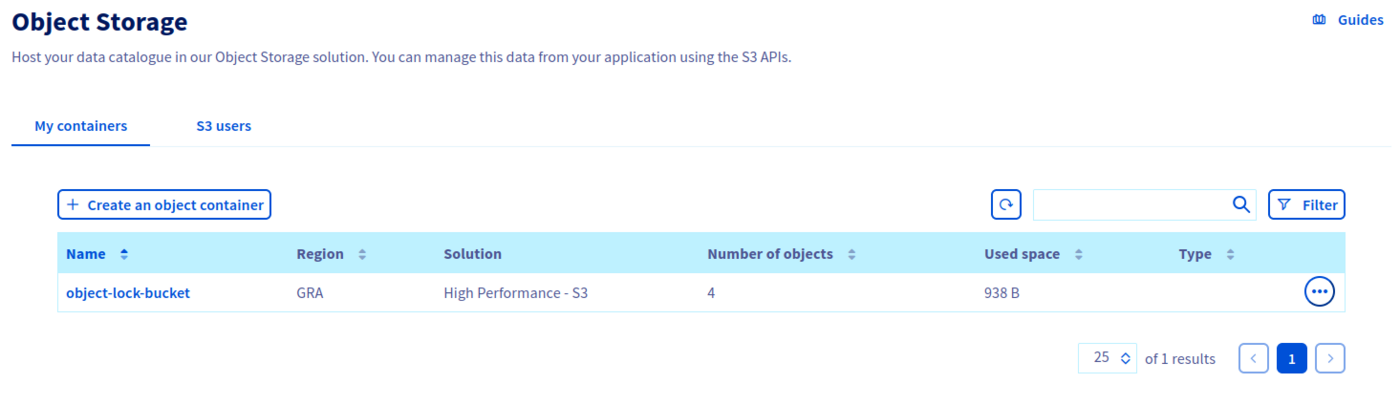
Click on Object Storage in the left-hand navigation bar under "Storage". Then click Create an object container.
If this is your first container:
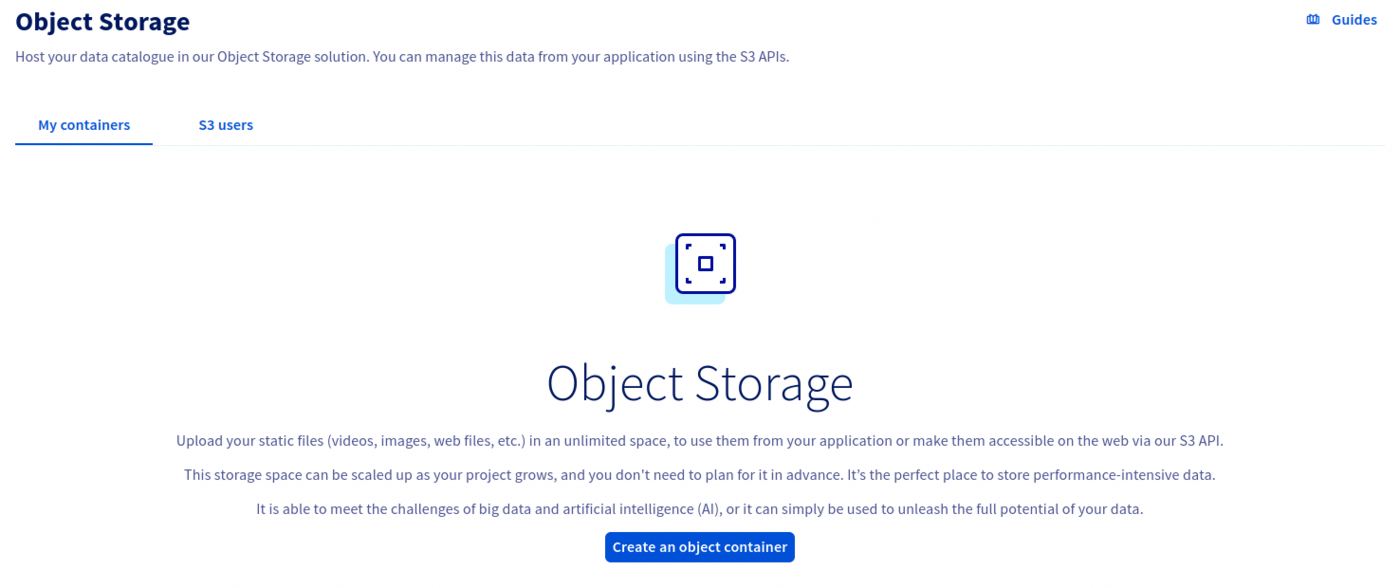
If this is not your first container:
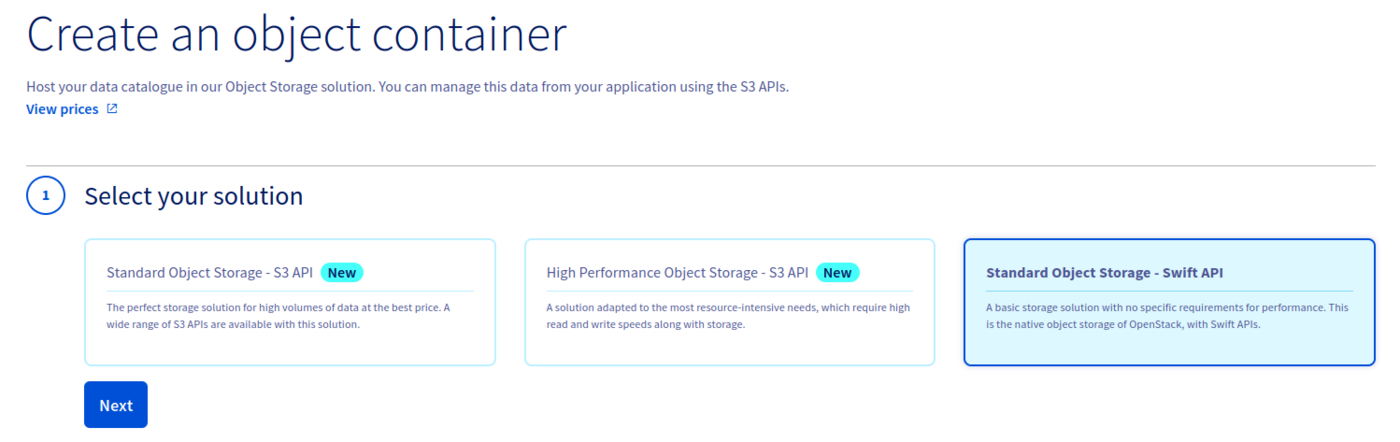
Select your solution and click on Next.
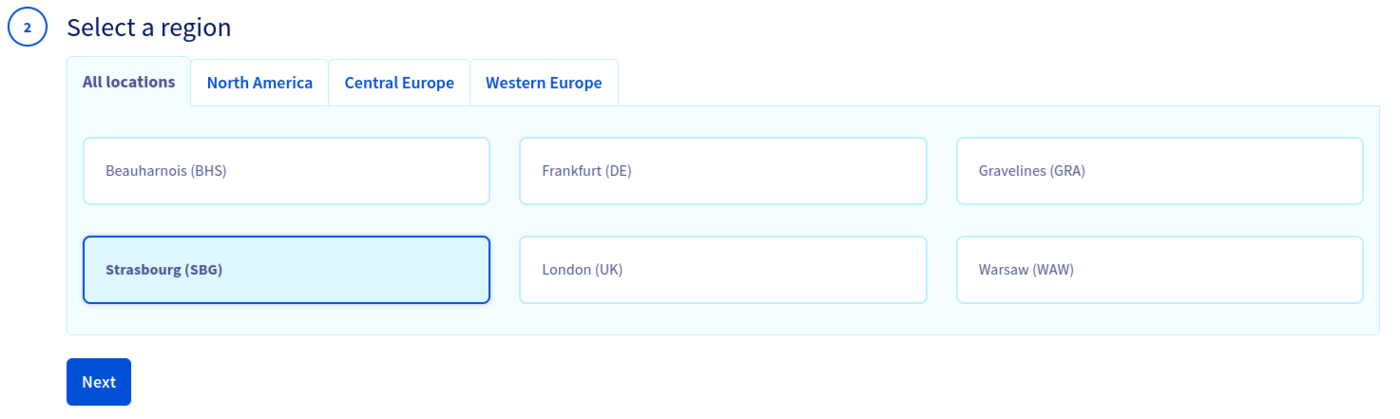
Select the region of your container, then click Next:
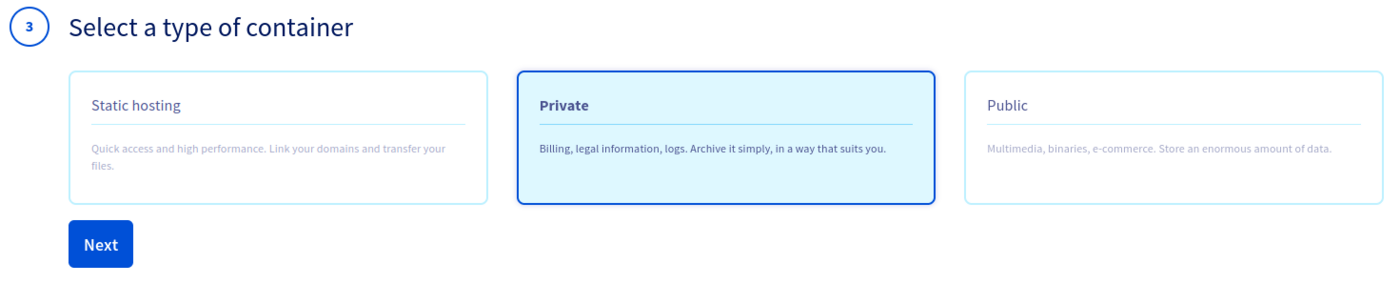
Select the container type, then click Next:
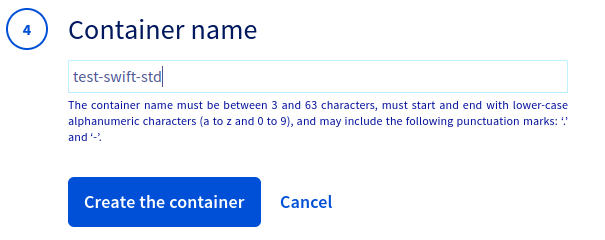
Name your container, then click Create the container:
If you want to link your container to a domain name, your container name must not contain the following characters:
- [ . ]
- [ _ ]
- And you must not use capital letters.
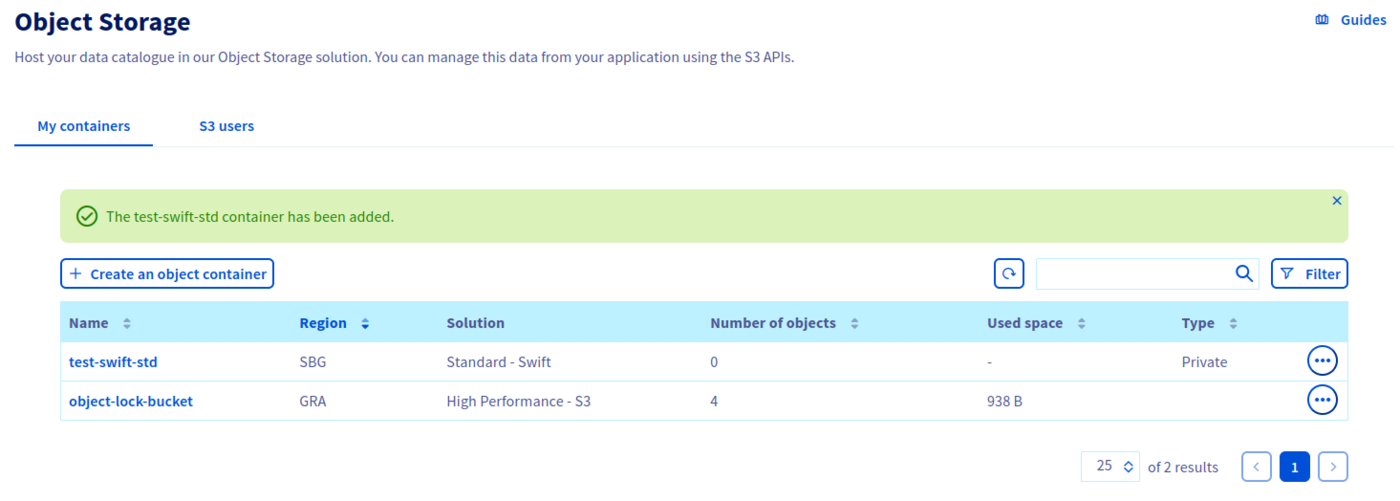
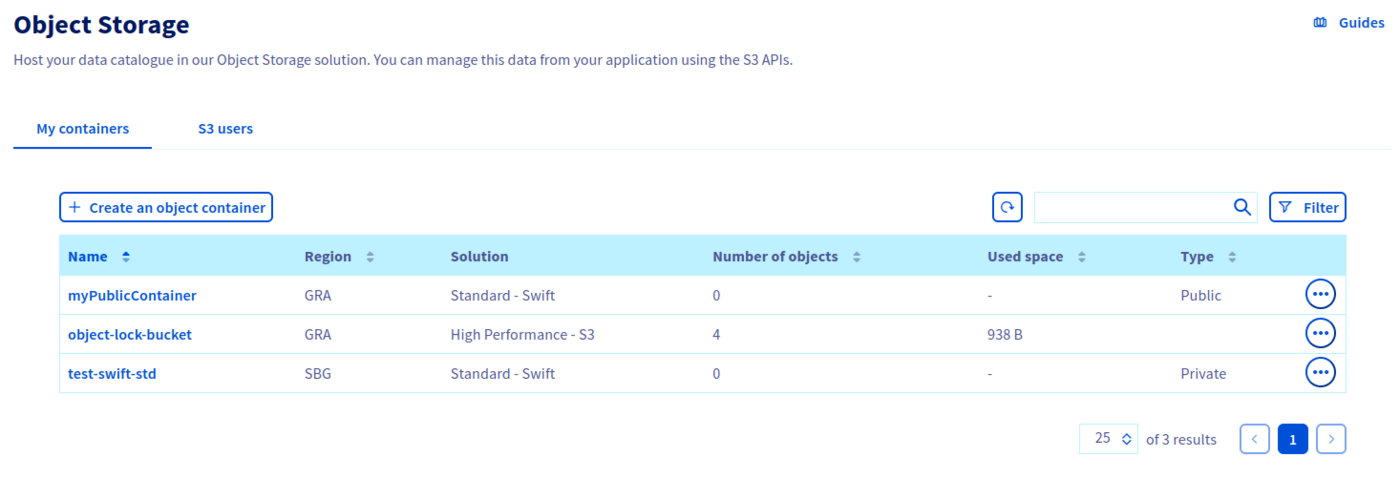
Your container is now created:
Creating an Object Storage container from Horizon
It is not possible to create a Public Cloud Archive container from Horizon.
Log in to Horizon :
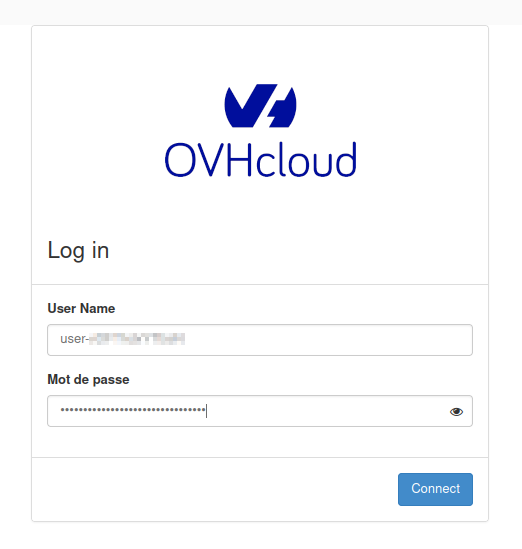
- Expand the
Object Storemenu, clickContainersthen click+ Container.

Name your container.
If you want to link your container to a domain name, your container name must not contain the following characters:
- [ . ]
- [ _ ]
- And you must not use capital letters.
Select the access policy for your container then click Next.
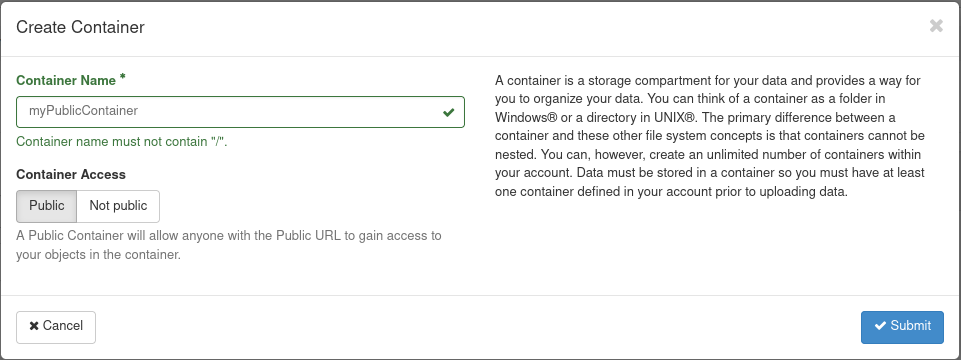
Your container is now created:

You can also see it in your OVHcloud Control Panel.
Go further
If you need training or technical assistance to implement our solutions, contact your sales representative or click on this link to get a quote and ask our Professional Services experts for assisting you on your specific use case of your project.
Join our community of users.


 Object Storage Swift - Getting started with the Swift S3 API
 1531
1531