

Change user rights
372 Ansichten
 21.09.2020
  Cloud / NAS-HA
Using web interface
Using web interface is the easiest way to change user rights.
You must first select the action icon to the right of the user.
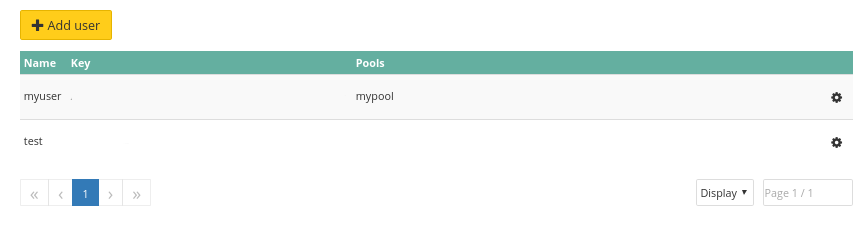
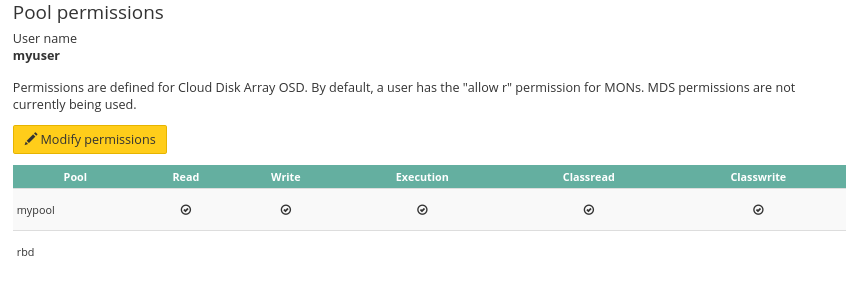
It will list current rights, by default there is no rights.
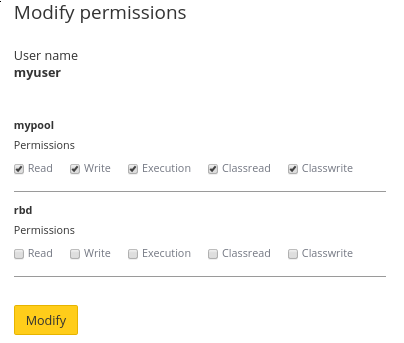
Let's chose some rights for our user.
As usual cluster status and task list changes.
Using API
Go further
Visit our dedicated Discord channel: https://discord.gg/ovhcloud. Ask questions, provide feedback and interact directly with the team that builds our Storage and Backup services.
If you need training or technical assistance to implement our solutions, contact your sales representative or click on this link to get a quote and ask our Professional Services experts for assisting you on your specific use case of your project.
Join our community of users on https://community.ovh.com/en/.


 Verteiltes CephFS-Dateisystem (EN)
 323
323