

Backup Agent - Connect to VSPC
14 Views
 28.01.2026
  Backup Agent
Objective
This guide explains how to connect to the Veeam Service Provider Console (VSPC) to view your backups, agents, and check your backup job reports.
Requirements
- You must have received VSPC connection credentials by email after ordering your Backup Agent service.
- A compatible web browser.
Instructions
Access VSPC
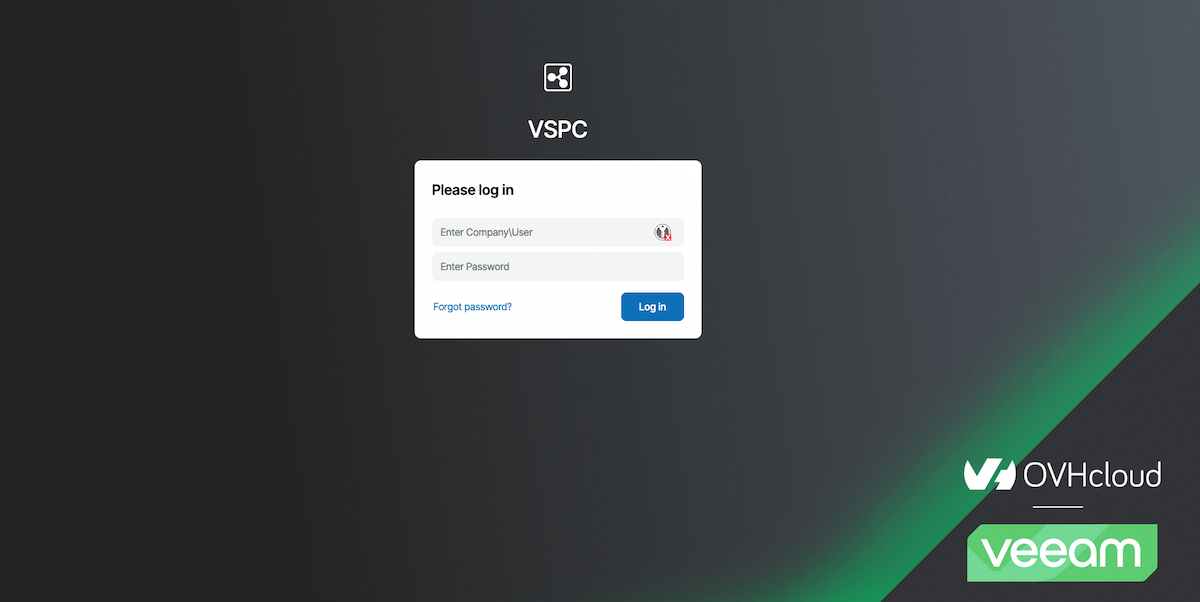
Go to the VSPC URL: https://vspc.prod01.eu-west-rbx.backup.ovhcloud.com
Log in
Log in using the credentials that were provided to you by email. The login format is usually vspc-tenant-XXXXXX\user-XXXXXX.
If you no longer have your credentials, you can regenerate them by contacting support.
This account is read-only and allows you to access visualizations of your backups and agents.
View Backup Jobs
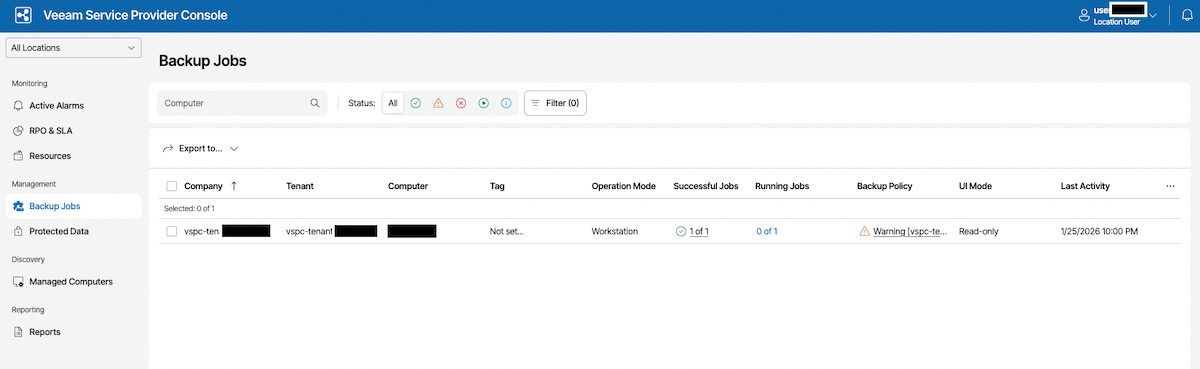
Once logged in, click on Backup Jobs in the left menu.
View successful jobs
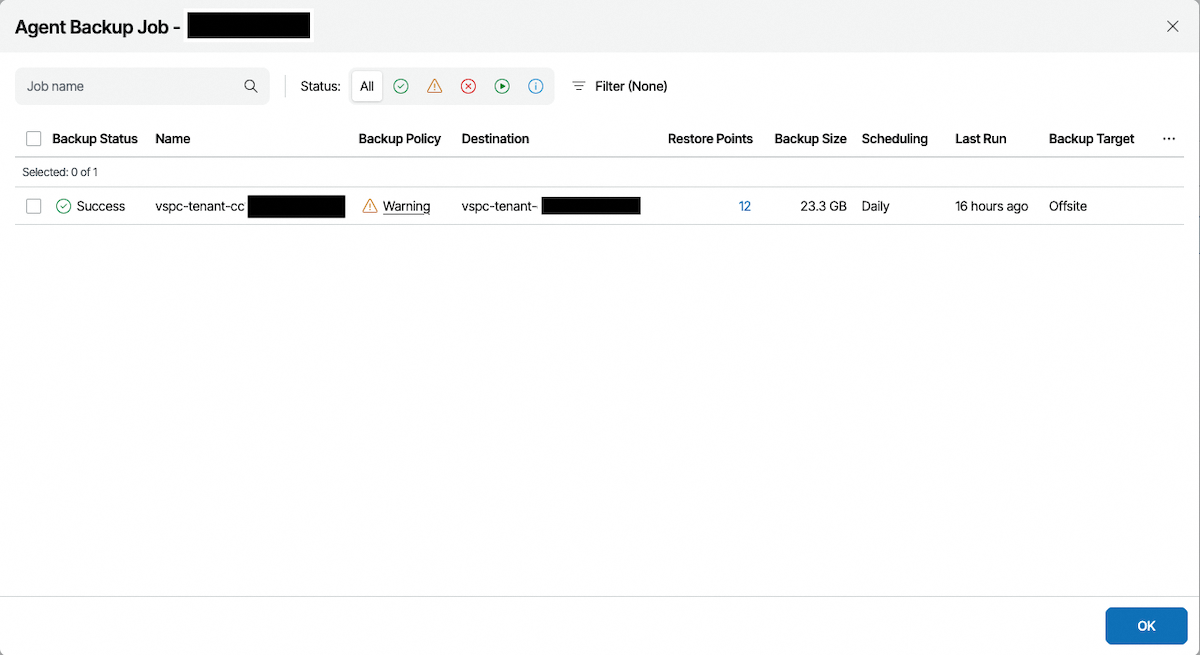
Click on Successful Jobs for your tenant.
View restore points
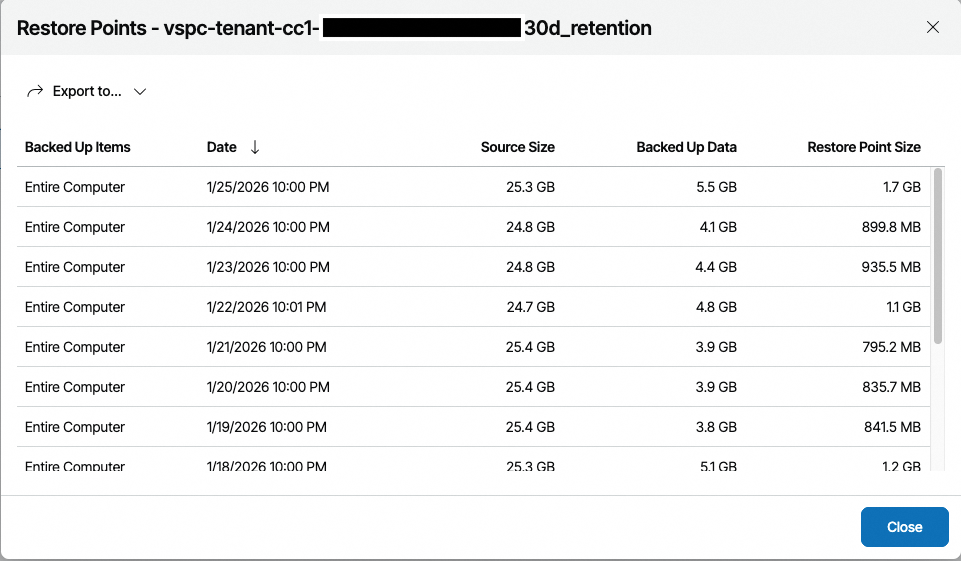
You can view the available restore points for your backups.
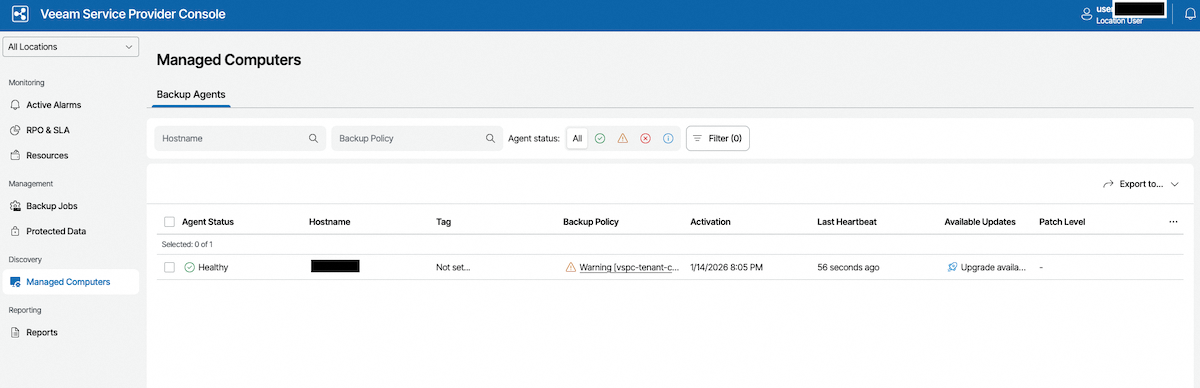
Access managed agents
To see the list of your installed agents, go to Managed Computers.
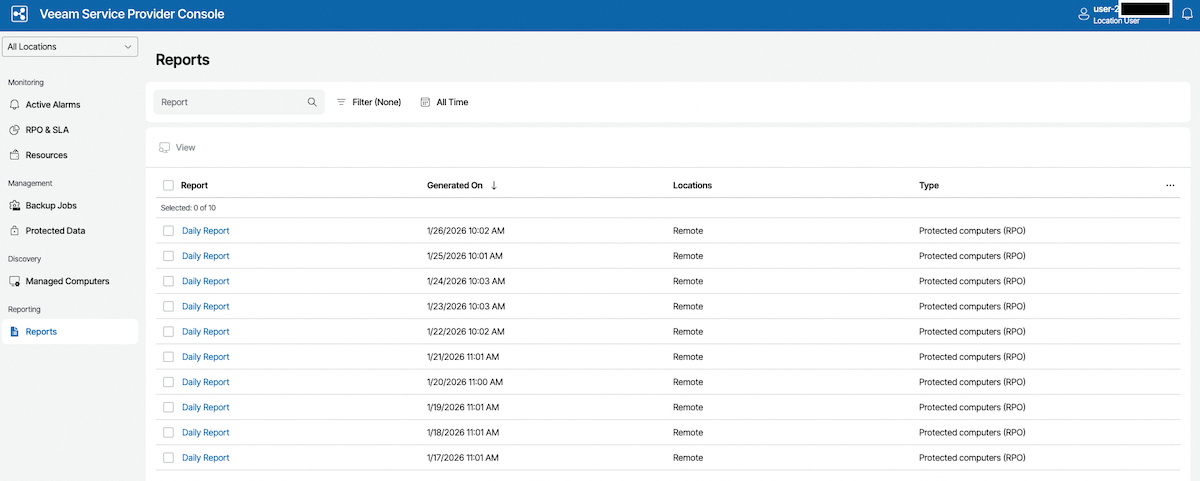
View reports
Go to the Reports section to view your backup reports.
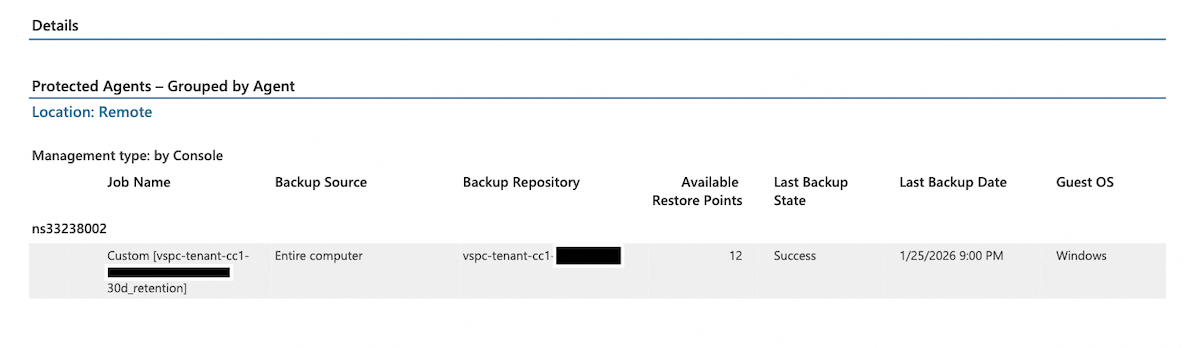
Open the last report
Open the last available report to view the details of your latest backups.
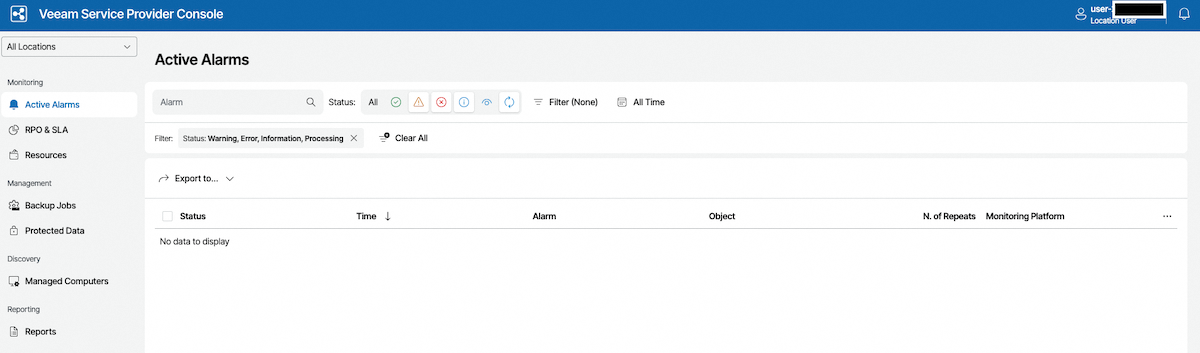
View latest alarms
You can view the latest alarms on your agents and backups in the Alarm Management section.
Go further
Join our community of users.


 Backup Agent - Managing your backups and restores
 19
19