

Install Ghost on your POWER web hosting plan
326 Views
 04.02.2021
  POWER Web Hosting
Objective
You've subscribed to a Web POWER web hosting plan to deploy Node.js applications, and you want to deploy a Ghost blogging platform on it.
This guide will explain how to do it.
Find out how to install Ghost on your POWER web hosting plan.
Requirements
- A Node.js POWER web hosting plan
- access to the OVHcloud Control Panel
If you have just started to use your Web POWER web hosting plan, we suggest to have a look at our Getting started with a POWER web hosting plan guide before going further.
Instructions
Let's suppose you have the default configuration for Node.js hosting:
- Runtime: nodejs 14
- Entrypoint: index.js
- DocumentRoot: www
To verify your configuration, you can use the Retrieve active configuration API endpoint
Connect via SSH to your POWER web hosting.
Let's begin by configuring the domain name in a DOMAIN variable:
Then install Ghost using npm at your home folder (not www):
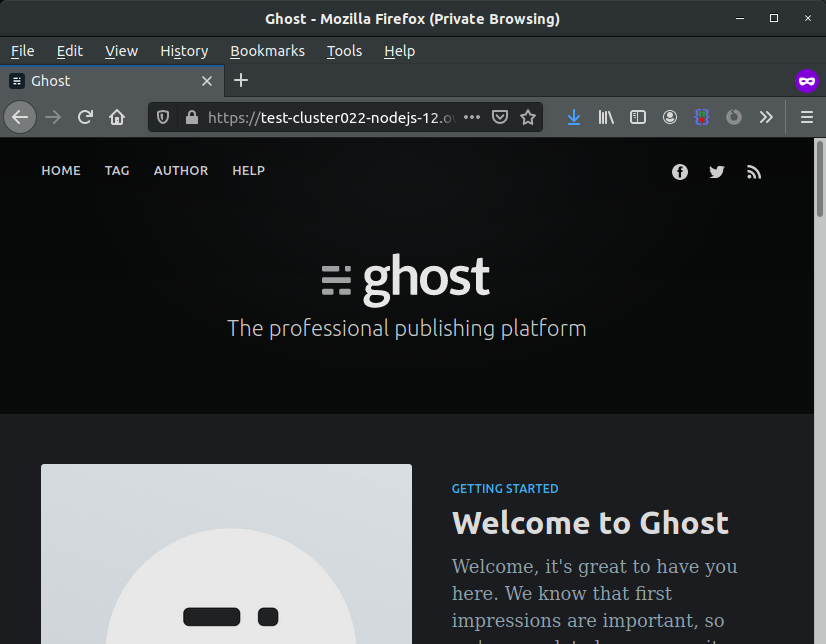
Restart your instance and your Ghost will be online.
Terminal output:
Go further
Join our community of users on https://community.ovh.com/en/.
Join our Discord on our web-hosting-power channel to discuss directly with the team and other users of this lab.


 Install Express on your POWER web hosting plan
 714
714