

FAQ OVHcloud emails
4089 Views
 24.03.2026
  Web / MX Plan Email (legacy infrastructure)
OVHcloud Control Panel Access
MX Plan:
- Direct link: MX Plan
- Navigation path:
Web Cloud>MX Plan> Select your MX Plan service
Zimbra:
- Direct link: Zimbra
- Navigation path:
Web Cloud>Zimbra Mail> Select your Zimbra service
Email Pro:
- Direct link: Email Pro
- Navigation path:
Web Cloud>Email Pro> Select your platform
Exchange:
- Direct link: Exchange
- Navigation path:
Web Cloud>Exchange> Select your platform
Email FAQ
On this page, you will find the most frequently asked questions regarding the use of your emails, depending on the OVHcloud email offers.
Email offers with OVHcloud
OVHcloud currently offers 4 email solutions. To understand their specifics, navigate through the tabs below:
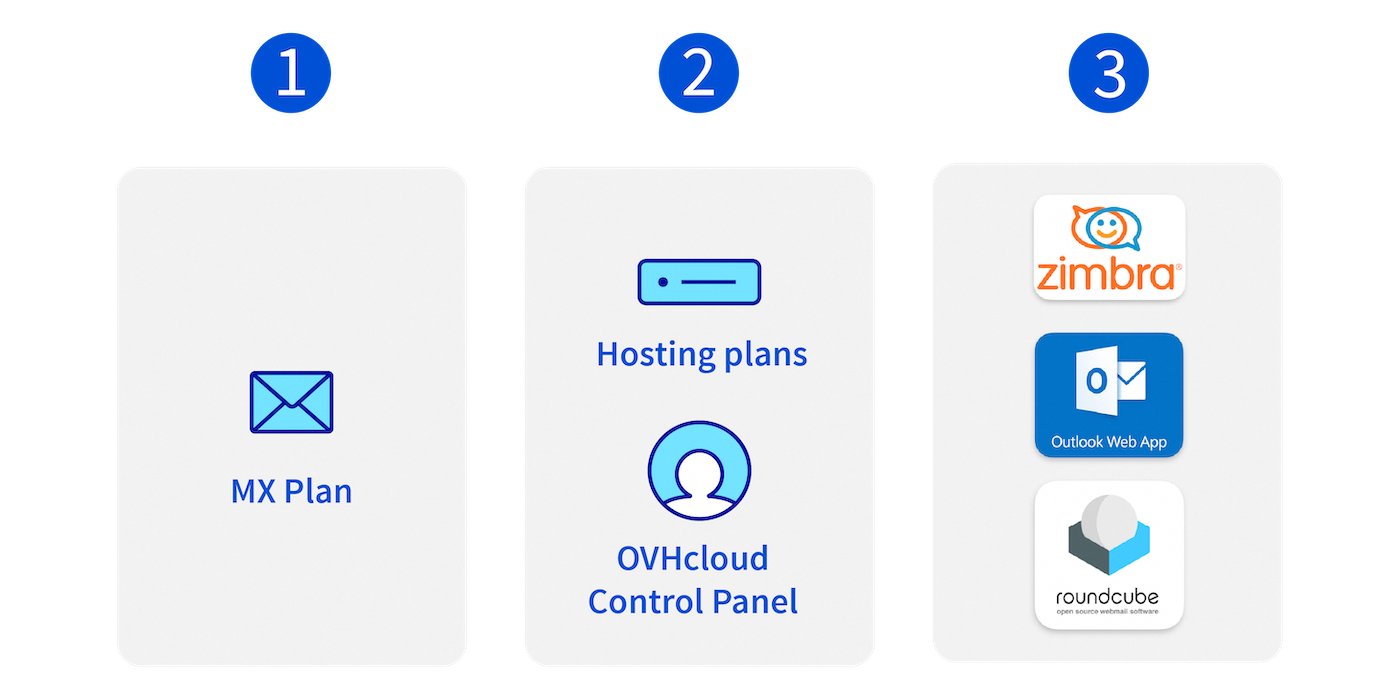
- OVHcloud's oldest email solution, which includes the essential features of an email service with 5GB of storage space per email account.
- Included with web hosting plans and can be ordered via the OVHcloud Control Panel.
- This offer is available in 3 different email technologies. Roundcube, OWA (Outlook Web App) and Zimbra.
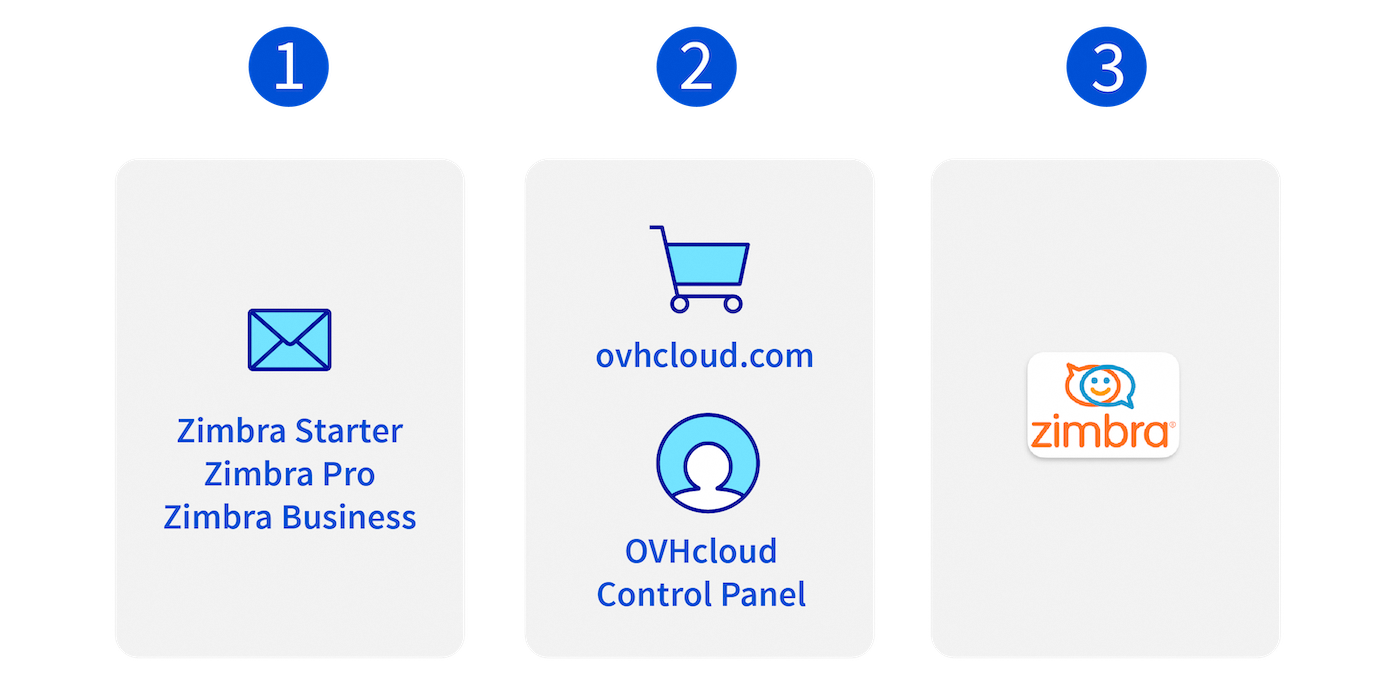
- The latest email solution from OVHcloud, offering a flexible, scalable email service with three levels of offerings and features.
- You can order a Zimbra account via the OVHcloud Control Panel or directly on ovhcloud.com.
- As its name suggests, it uses the Zimbra interface.
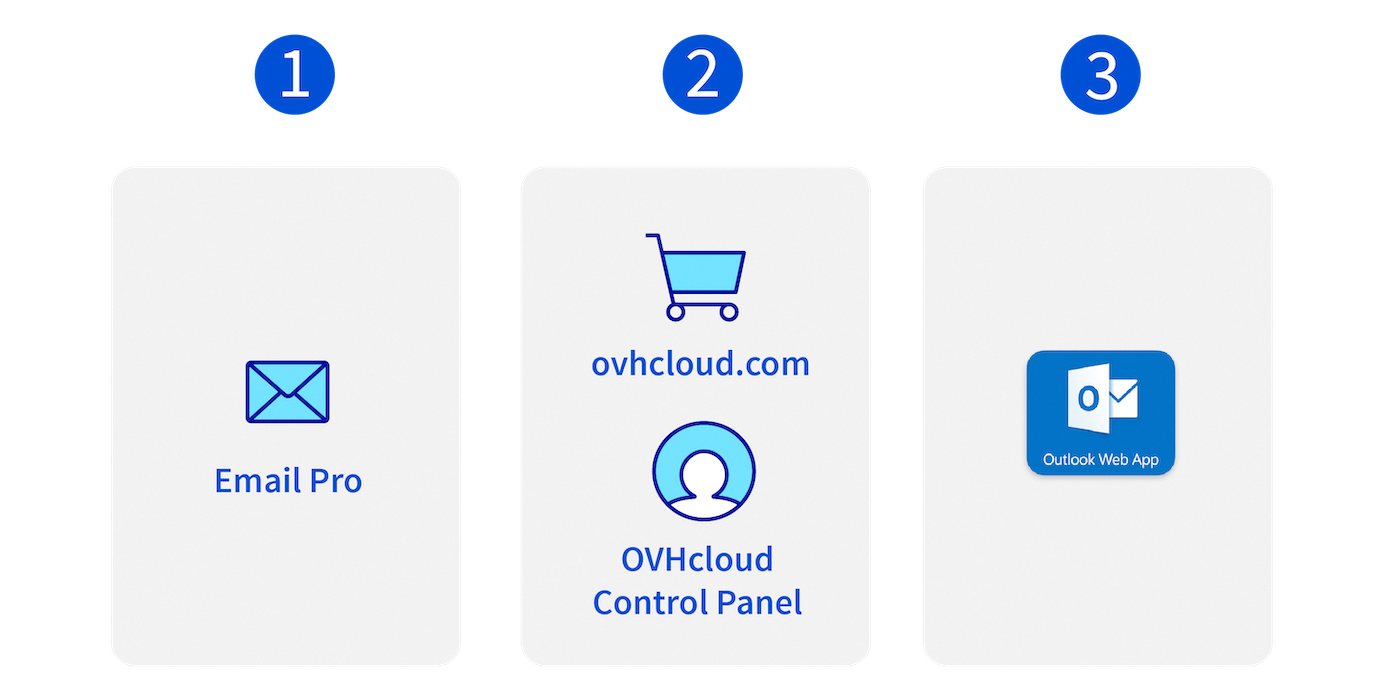
- An email solution based on Exchange technology, offering essential features with a 10 GB storage space.
- You can order an Email Pro account via the OVHcloud Control Panel or directly on ovhcloud.com.
- This solution uses the OWA (Outlook Web App) webmail interface.
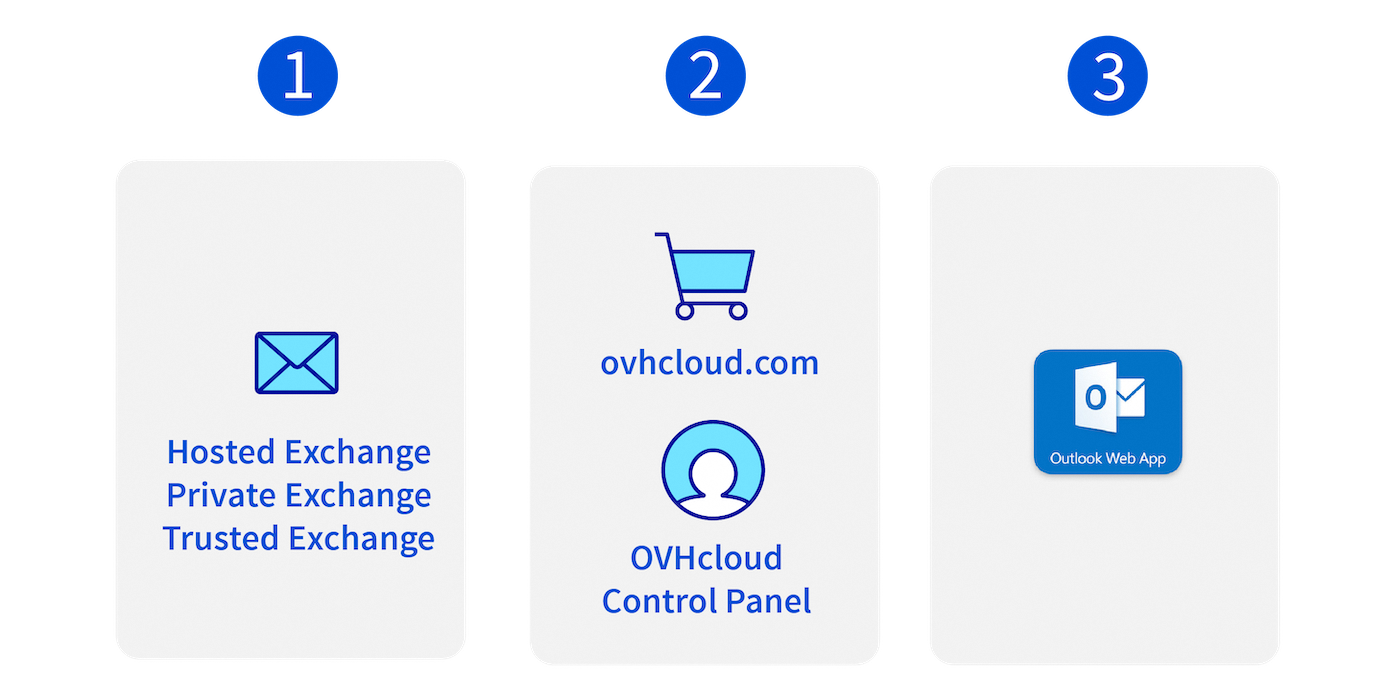
- A comprehensive email solution with collaborative features, with 50GB or 300GB of storage space.
- Included with web hosting plans and can be ordered via the OVHcloud Control Panel.
- This solution uses the OWA (Outlook Web App) webmail interface.
Unless specified, the questions listed below concern all OVHcloud email solutions.
What are the differences between the email technologies used by the MX Plan solutions?
The MX Plan solution is characterized by its growth, which is based on three distinct email technologies. Each has its own webmail interface:
- Roundcube.
- OWA (Outlook Web App).
- Zimbra.
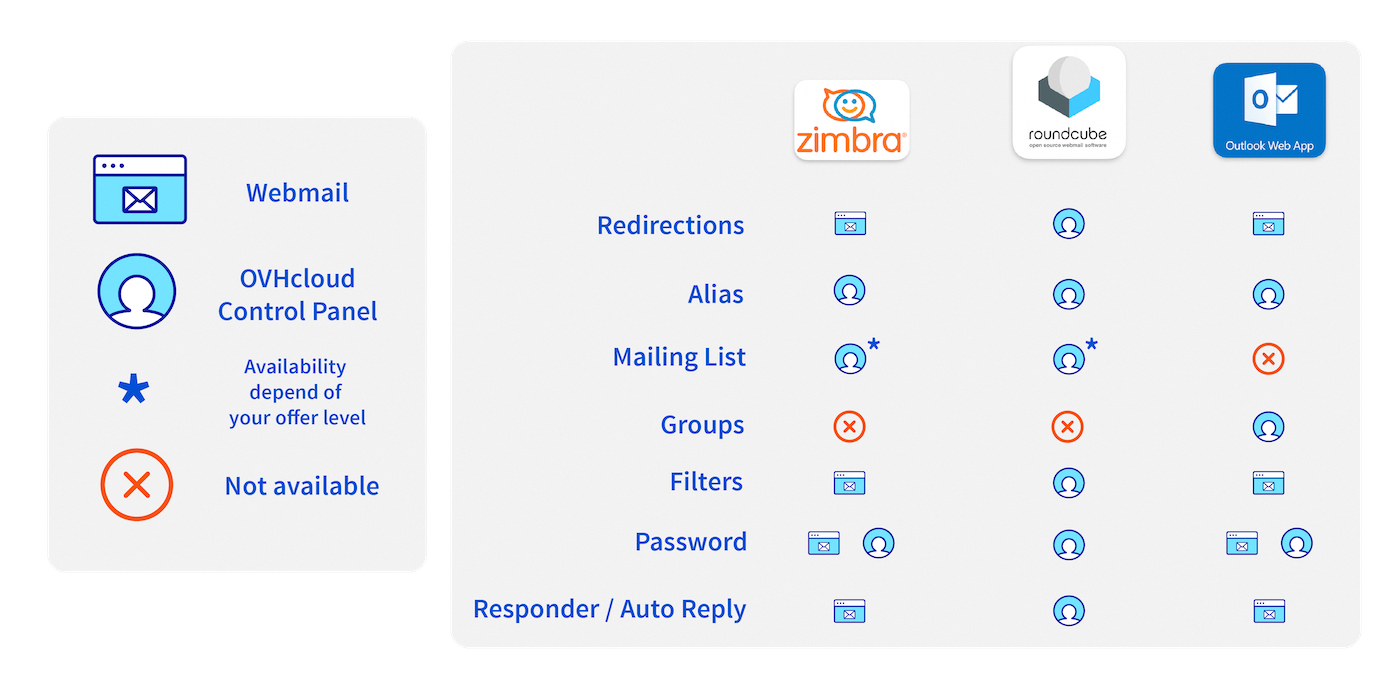
This diversity of technologies implies a different operating ergonomy for each interface. Some features can be configured via the Control Panel, while others are configured via webmail.
Below is a summary table of key email features, sorted by technology and configuration location:
How do I identify the technology used on my MX Plan solution?
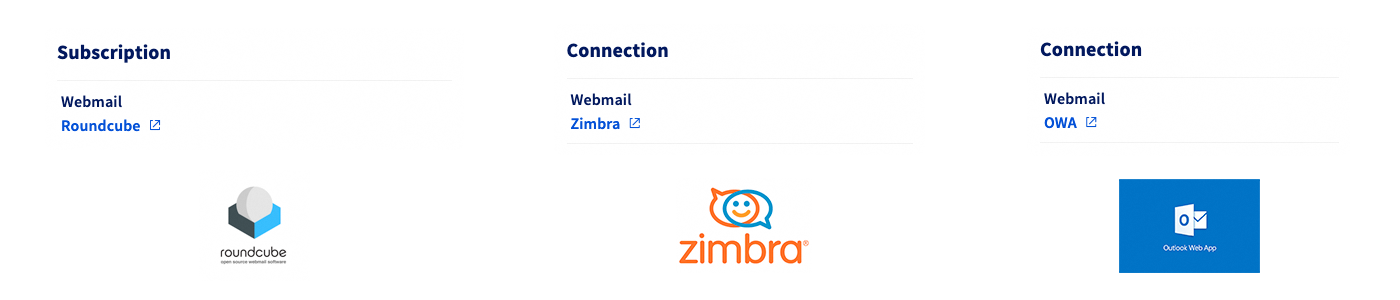
The email technology used for your MX Plan solution is characterized by its webmail interface. To identify it via the OVHcloud Control Panel:
- From the
General Informationtab, select by default. - Note the technology used as Webmail.
What should I know before I create an email address?
Creating an email address isn't complicated, but there are rules that must be followed to set the name of your email address and its password.
The name of your email address must respect the following rules:
- Minimum 2 characters.
- Maximum 32 characters.
- No accented characters.
- No special characters except the following characters:
.,,,-and_.
The password must respect the following rules:
- Minimum 9 characters.
- Maximum 30 characters.
- No accented characters.
For security reasons, do not use the same password twice. Choose one that has no relation to your personal information (for example, avoid mentioning your surname, first name and date of birth). Change it regularly.
What do I do if I no longer receive my emails?
Below, you will find the main reasons for not receiving your emails.
- Email software: A failure to receive emails is often linked to the configuration of your email account on your email software (Outlook, macOS Mail, Thunderbird, etc.). To check this, log in to the webmail. If you notice emails in your inbox on webmail that are not present on your email client, the phenomenon is due to your software configuration. For more information about this, please visit our Unable to send or receive emails page.
- DNS configuration: Your email solution is attached to a domain name. In its DNS zone, MX records designate the servers that receive emails. If you have recently modified your DNS servers or DNS zone, these MX records may have been rendered inoperative. This could explain why emails are not being received properly. For more information on this, please refer to our Unable to send or receive emails page.
- Email quota exceeded: If your email account storage quota is reached, it will no longer be possible to receive emails, and your sender will receive an error message stating that your email account is full. Manage email account storage space For more information, please refer to our page Manage email account storage space.
- Inbox rules: It is possible that an inbox rule could prevent an email from being delivered to your inbox or redirect it to the SPAM folder. View your rules from your email software (Outlook, MacOS Mail, Thunderbird, etc.) or from webmail.
- Incident or maintenance: Visit our Web Cloud status page to check if an operation is not in progress on your email service.
Tips and Tricks: If you cannot log in to your webmail, your password may be incorrect. Please check it and, if necessary, modify it via the OVHcloud Control Panel, and renew your connection.
What do I do if I can't send my emails?
- Email software: A sending error may be related to the configuration of your email account on your email software (Outlook, MacOS Mail, Thunderbird, etc.). To check this, log in to the webmail. If you notice that you are able to send emails via webmail, the problem arises from your software configuration. For more information about this, please visit our Unable to send or receive emails page.
- Error code: When you send a message and the receiving server rejects it, the receiving server usually sends you an error message with an error code. Analyze the error message for the reason (maximum quota of the email account reached, email address of the recipient does not exist, etc.). For more information about this, please visit our Unable to send or receive emails page.
- Email size: Whether it is your email provider or the recipient server, there is a size limit for an email. We recommend only sending images or PDF files with a small size. For large files, it is best to use file transfer tools such as plik.ovh.
Why set up SPF and DKIM records?
SPF (Sender Policy Framework)
It allows servers that receive emails to ensure that they have been sent from a trusted server. This protocol has become essential to legitimize email exchanges. Without an SPF record on the domain name of your email service, your emails may be considered unwanted by your recipients.
To find out how to configure an SPF record on your email service, please read our guide on Enhancing email security via an SPF record.
DKIM (DomainKeys Identified Mail)
It allows you to sign emails to prevent identity theft. This signature operates on the principle of hashing combined with asymmetric cryptography. This protocol is complementary to the SPF. The SPF intervenes on the legitimacy of the domain name while the DKIM ensures that each email is signed by the right email service when it is sent. It also becomes a benchmark in terms of email security. Some email services may also consider an email to be SPAM if it is not protected by a DKIM signature.
To find out how to configure a DKIM record on your email service, please read our guide on Enhancing email security via a DKIM record.
How do I configure my email address and use it with webmail?
You can configure your email account on an email client such as Outlook, Thunderbird, Mac Mail, etc.
To do this, we provide guides to set up your email address. You can find them on this page.
Windows PC - Outlook for Windows - Thunderbird for Windows - Mail for Windows
Apple Mac - Outlook for macOS - Mail for macOS - Thunderbird for macOS
iPhone or iPad - Mail for iPhone and iPad
Android Smartphone or tablet - Gmail for Android
Windows PC - Outlook for Windows - Thunderbird for Windows - Mail for Windows
Apple Mac - Outlook for macOS - Mail for macOS - Thunderbird for macOS
iPhone or iPad - Mail for iPhone and iPad
Android Smartphone or tablet - Gmail for Android
Windows PC - Outlook for Windows - Thunderbird for Windows - Mail for Windows
Apple Mac - Outlook for macOS - Mail for macOS - Thunderbird for macOS
iPhone or iPad - Mail for iPhone and iPad
Android Smartphone or tablet - Gmail for Android
With webmail, you can access your email at any time, from any connected device. Once you have created your email account, log in here to access it.
Tips and Tricks: If you configure your email account on an email client, we recommend that you configure it with IMAP protocol. This way, the emails will remain stored on the server, and you can view them from anywhere in the webmail. To do this, you can refer to our documentation.
How do I manage my email services?
All of your email accounts are managed via the OVHcloud Control Panel. To do this, log in and access the product concerned. You can change the passwords for your email addresses, check how much space they have left, create new email addresses, or delete existing ones.
Tips and Tricks: With MX Plan email solutions, you can delegate management of an email account to another OVHcloud account, while keeping control of it yourself. Simply configure a delegation in your OVHcloud Control Panel. You can use our documentation.
What should I know before I create an email address?
Creating an email address isn't complicated, but there are rules that must be followed to set the name of your email address and passwords.
The name of your email address must respect the following rules:
- Minimum 2 characters
- Maximum 32 characters
- No accented characters
- No special characters except the following characters:
.,,,-and_
The password must respect the following rules:
- Minimum 9 characters
- Maximum 30 characters
- No accented characters
For security reasons, we recommend not using the same password twice, choosing one that does not contain any personal information (e.g. your surname, first name and date of birth), and renewing it regularly.
How do I recover my forgotten password?
For security and confidentiality reasons, it is not possible to retrieve a password. As described in our guide “Changing an email password”, you will need to reset your password if you have forgotten it.
If you want to store a password, we recommend using a password manager, such as KeePass.
How do I limit the amount of SPAM I receive?
To limit the receipt of SPAM, you can set up filters on your emails (called "Filters" on the MX Plan solution). The purpose of these emails is to delete or move them into the SPAM folder as soon as they are received.
To do this, click on the Emails tab, then in the Filters column, click on the "Account filter management" icon.
If the Filters column is not present in your Control Panel, you will need to create filters via mailbox rules in the webmail. You can refer to the following guide for more details: “Inbox rules from the OWA interface”.
Tips and Tricks: If you set a filter on receiving SPAM, legitimate emails may be considered SPAM. If this happens to you, please open a support request in your OVHcloud Control Panel and let us know. This way, we can ensure that your emails are not marked as SPAM in the future.
My email account is full, I don't have any more space. What can I do?
If you have signed up to one of our OVHcloud email solutions and one of your email accounts is full, please read our guide on Managing email account storage space. This guide will help you decide whether you can optimize your existing storage space, or need to change email solutions to increase storage capacity.
I want to change my email solution for my address, how can I do this while keeping its content?
Want to change your email solution to get more space and features, but want to keep the content of your existing email account? To do this, please follow the migration guide that corresponds to your needs:
Does the Office 365 Pro Plus offer include a Skype license?
Office 365 Pro Plus does not contain a Skype license. Only Skype for Business software is included.
How do I transfer my emails, website, database and domain name to OVHcloud servers without any service interruptions?
Refer to our guide on Migrating your website and associated services to OVHcloud, for the full set of steps to follow.
Go further
For specialised services (SEO, development, etc.), contact OVHcloud partners.
If you would like assistance using and configuring your OVHcloud solutions, please refer to our support offers.
Join our community of users.


 Getting started with the MX Plan solution
 9710
9710