

Removing a datastore
271 Views
 18.11.2020
  Managed Bare Metal
Objective
In certain cases — like replacing a datastore or scaling it up to a higher capacity, for example — it may be useful to remove a datastore from your cluster.
This guide will show you how to securely remove a datastore from your infrastructure.
Requirements
- an OVHcloud Managed Bare Metal solution
- access to the vSphere management interface
Instructions
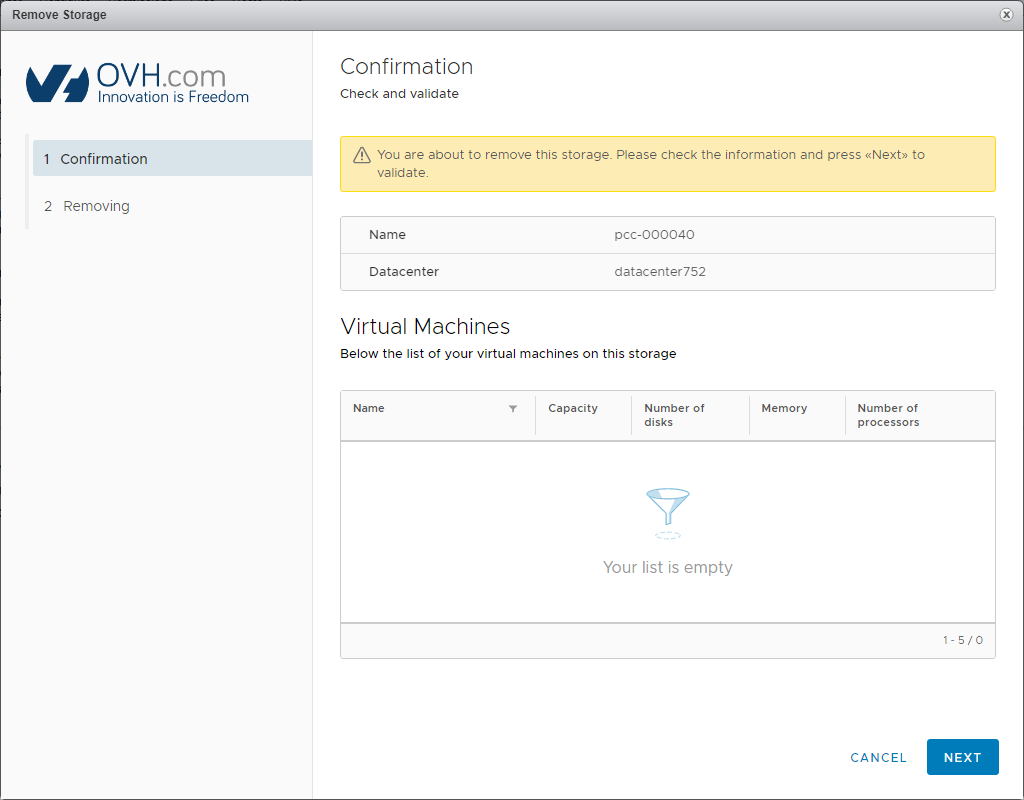
Please note that you cannot remove the two 300 GB or 1.2 TB datastores included in your pack. For security reasons, the removal request will also be blocked if you have virtual machines (VMs) on the datastore concerned (they will be listed in the confirmation window).
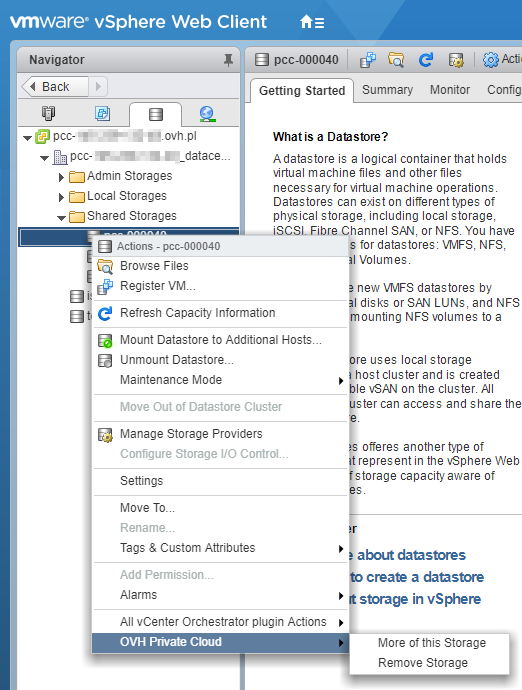
To remove a datastore, right-click on the resource concerned. Then select OVHcloud Managed Bare Metal, and Remove Storage.
A confirmation window will pop up. Confirm by clicking Next.
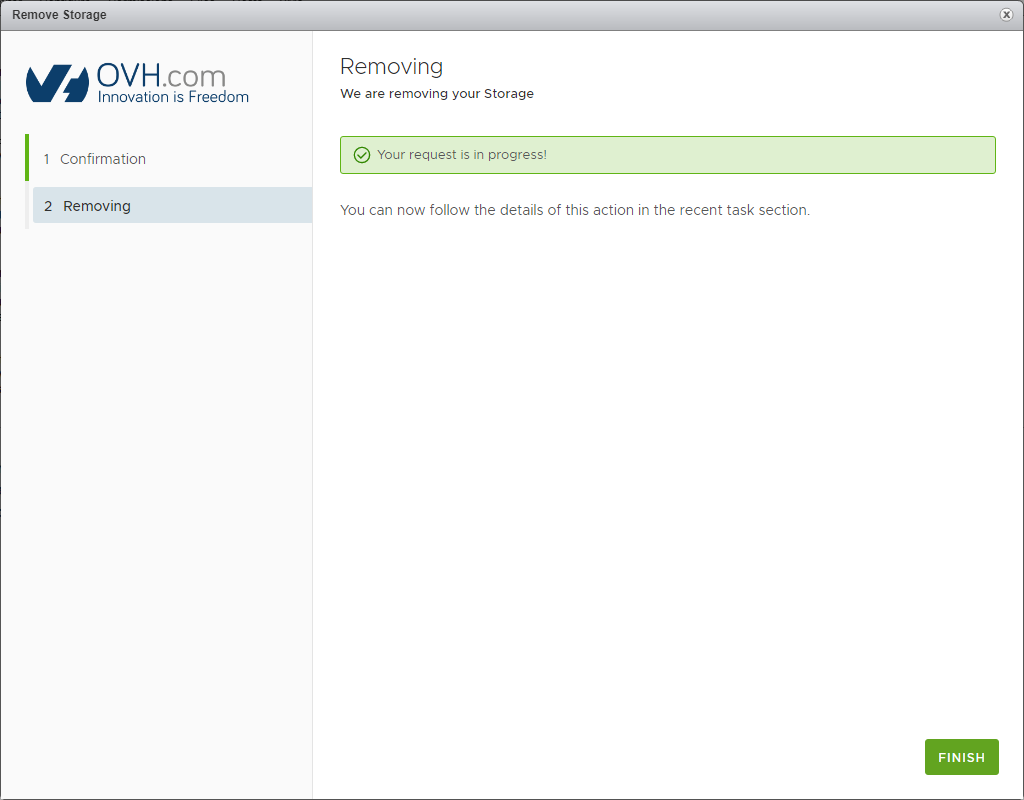
The removal request will then be processed.
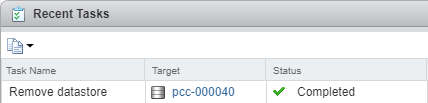
You can also monitor the progress of the datastore removal in Recent Tasks.
Go further
Join our community of users on https://community.ovh.com/en/.


 Changing the User Password
 709
709