

KB0046427
Associating an email with a vSphere user
306 Views
 07.07.2020
  Cloud / Hosted Private Cloud
Objective
You can associate a name, first name, phone number, and email address with a vSphere user in your Private Cloud. The email address allows validation by token.
Learn how to associate an email address with your vSphere user.
Requirements
OVHcloud Control Panel Access
- Direct link: VMware vSphere
- Navigation path:
Hosted Private Cloud>Managed VMware vSphere> Select your vSphere service
Instructions
Go to the tab Users, click on ... to the right of the user concerned and then click Edit.

The following window appears:
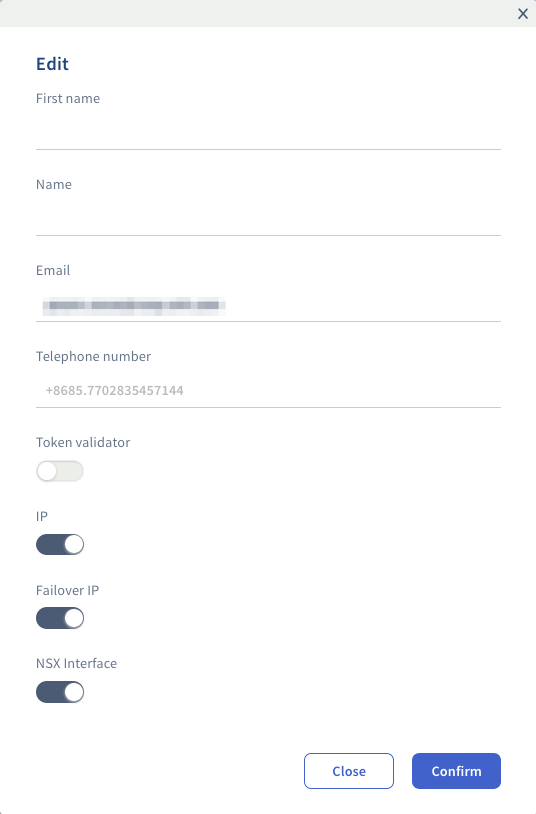
You can set your name, first name, phone number and email address.
This window also allows you to add editing rights to IP, Additional IP, NSX Interface and the Token validator used to approve certain sensitive actions on infrastructures that have the Advanced Security option enabled.
Click on Confirm to validate the modifications.
Go further
Join our community of users on https://community.ovh.com/en/.


 Changing the User Password
 1257
1257