

Install Rails on your POWER web hosting plan
60 Views
 04.02.2021
  POWER Web Hosting
Objective
You've subscribed to a Web POWER web hosting plan to deploy Ruby applications, and you want to deploy Rails on it.
This guide will explain how to do it.
Find out how to install Rails on your POWER web hosting plan.
Requirements
- A Ruby POWER web hosting plan
- access to the OVHcloud Control Panel
If you have just started to use your Web POWER web hosting plan, we suggest to have a look at our Getting started with a POWER web hosting plan guide before going further.
Instructions
Let's suppose you have the default configuration for Ruby hosting:
- Runtime: Ruby 2.6
- Entrypoint: config.ru
- DocumentRoot: www
- Environment: development
Be careful, Rails depends on the environment (RAILS_ENV).
To verify your configuration, you can use the Retrieve active configuration API endpoint.
Connect via SSH to your POWER web hosting.
Delete your DocumentRoot to initiate it with rails (don't forget to export your gempath or your bundle install will fail):
Now whitelist your domain name in www/config/environments/development.rb:
Deactivate check_yarn_integrity check under section development in www/config/webpacker.yml:
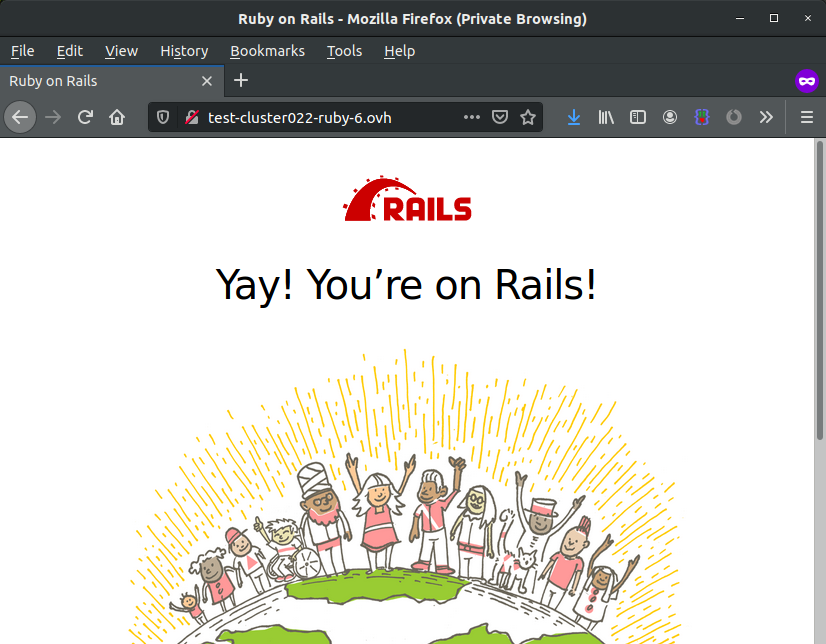
Then restart your instance and your Rails will be online.
Now let's generate a Hello World with Rails:
Create the template app/views/demo/index.html.erb:
Build the Hello World:
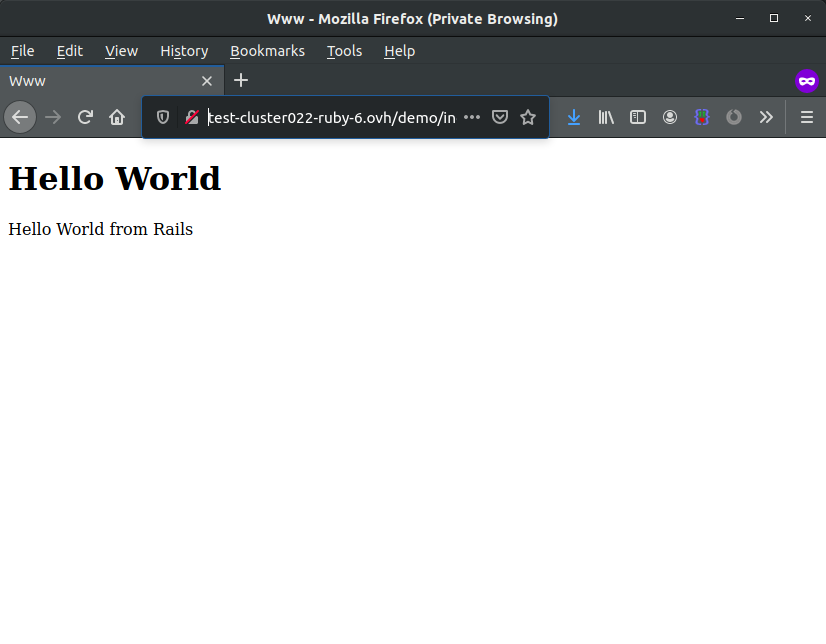
After another restart, your Hello World will be available in https://yourdomain.ovh/demo/index.html.
Terminal output:
More information on Rails
To get more information on Rails, go to the official documentation site.
Go further
Join our community of users on https://community.ovh.com/en/.
Join our Discord on our web-hosting-power channel to discuss directly with the team and other users of this lab.


 Install Camaleon on your POWER web hosting plan
 55
55