

Cloud Archive Swift - Creating a Public Cloud Archive container
286 Views
 27.10.2021
  Cloud / Object Storage S3
Objective
The Public Cloud Archive offer is an unlimited storage solution with simple billing tailored to your needs. There are many types of object containers:
- For static hosting (static website).
- For private hosting (e.g. storage of personal data).
- For public hosting (to store everything that is accessible to the public).
- For cold storage (archiving).
The first step is to create a container that will hold your files.
This guide explains how to create a container in the OVHcloud Control Panel.
Requirements
OVHcloud Control Panel Access
- Direct link: Public Cloud Projects
- Navigation path:
Public Cloud> Select your project
Instructions
Creating a Public Cloud Archive container from the customer area
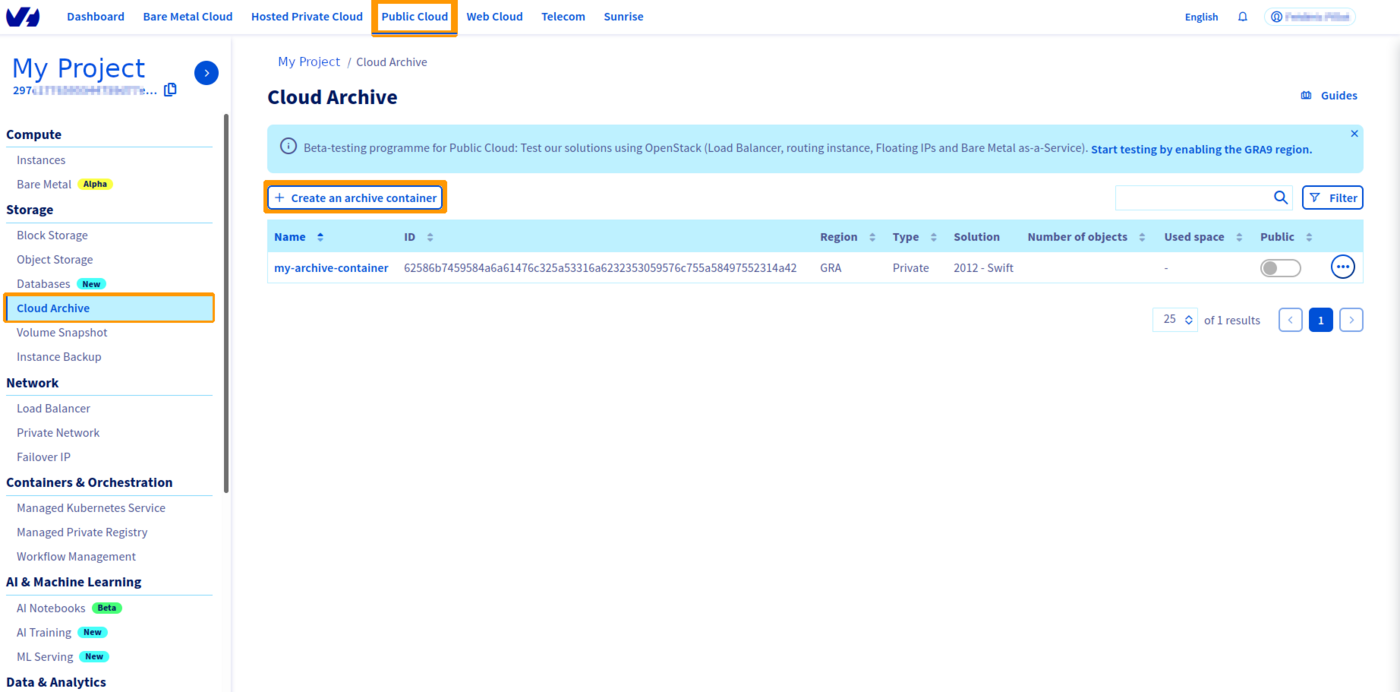
Click on Cloud Archive in the left-hand navigation bar under "Storage".
If this is your first container :
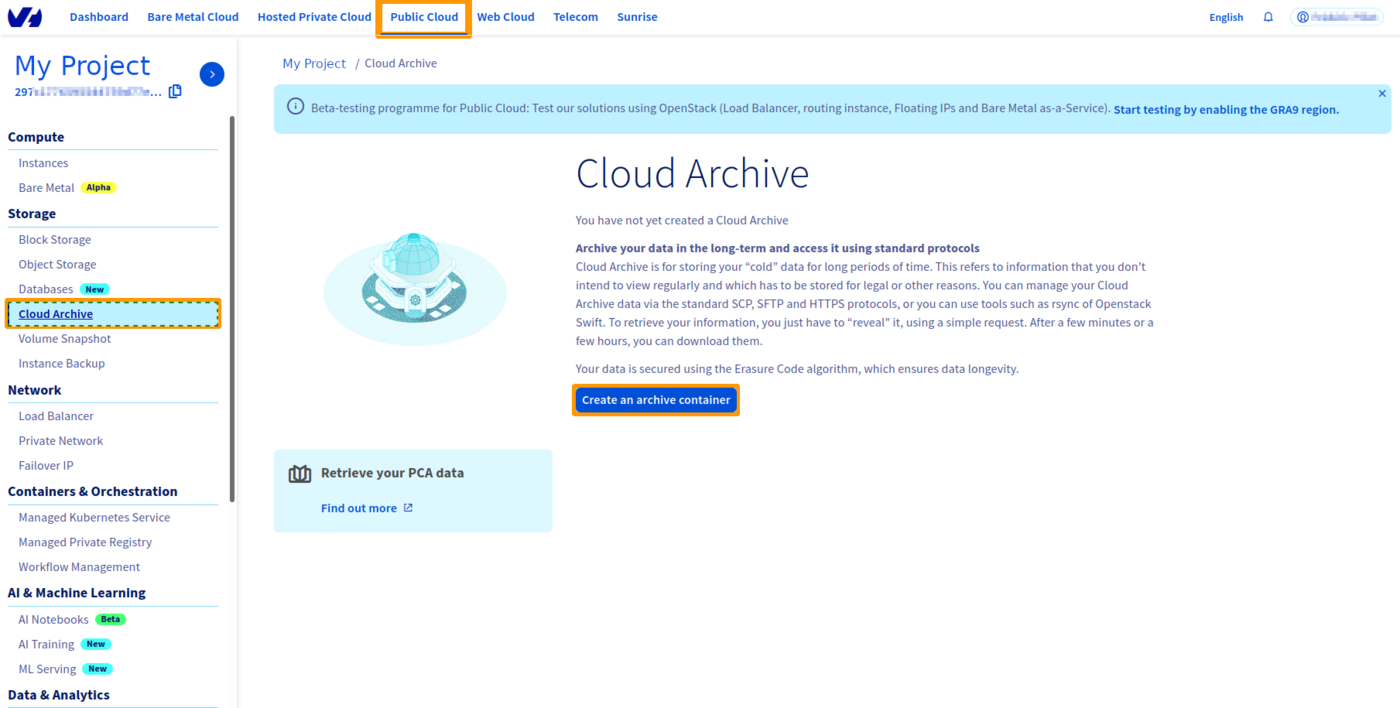
If this is not your first container:
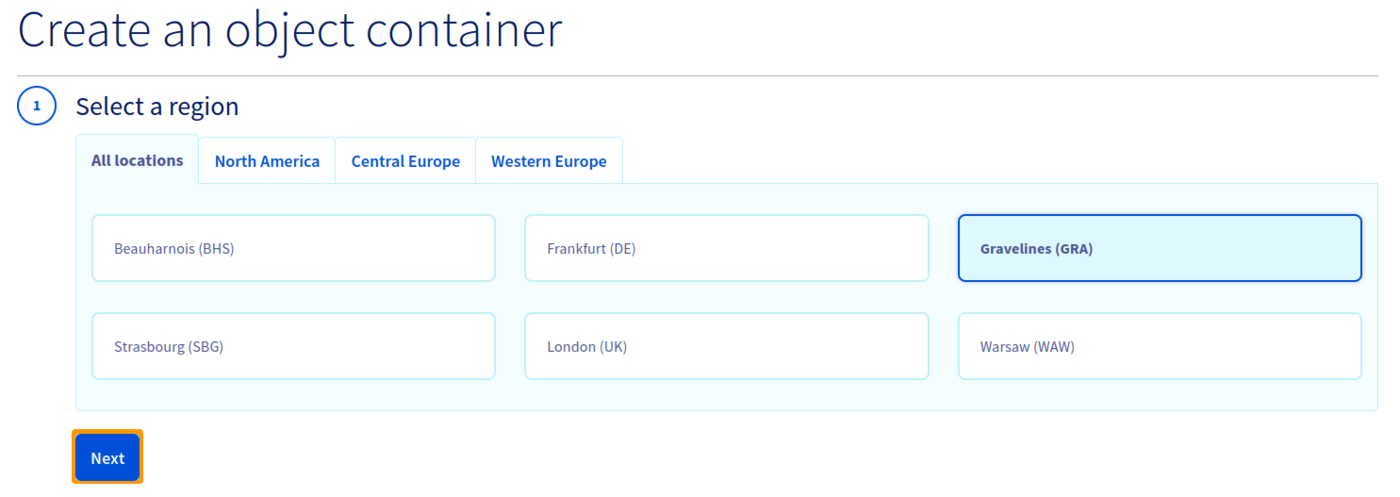
Select the region of your container, then click Next :
Name your container, then click Create the container :
If you want to link your container to a domain name, your container name must not contain the following characters:
- [ . ]
- [ _ ]
- And you must not use capital letters.
Refer to our guide on linking a container to a domain name if necessary.

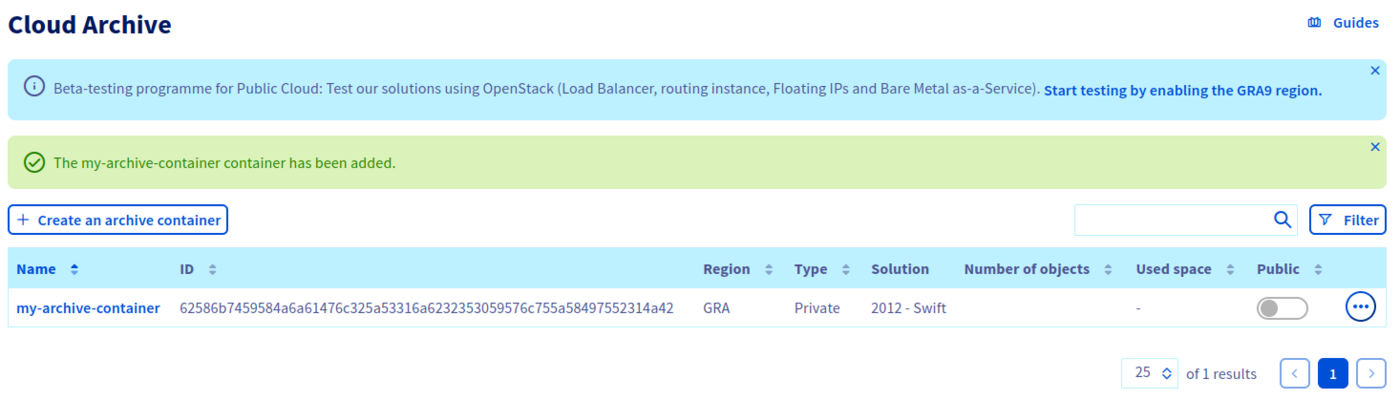
Your container is now created:
Go further
Join our community of users.


 Cloud Archive Swift - Manage your archives with an SFTP/SCP client
 517
517