

Install WikiJS on your POWER web hosting plan
56 Views
 04.02.2021
  POWER Web Hosting
Objective
You've subscribed to a Web POWER web hosting plan to deploy Node.js applications, and you want to deploy a WikiJS wiki platform on it.
This guide will explain how to do it.
Find out how to install WikiJS on your POWER web hosting plan.
Requirements
- A Node.js POWER web hosting plan
- access to the OVHcloud Control Panel
If you have just started to use your Web POWER web hosting plan, we suggest to have a look at our Getting started with a POWER web hosting plan guide before going further.
Instructions
Let's suppose you have the default configuration for Node.js hosting:
- Runtime: nodejs 14
- Entrypoint: index.js
- DocumentRoot: www
To verify your configuration, you can use the Retrieve active configuration API endpoint.
Connect via SSH to your POWER web hosting.
Let's begin by going into the www folder and retrieving WikiJS source:
Create a config.yml file:
and rebuild the sqlite3 module:
Make the symlink for the entry point:
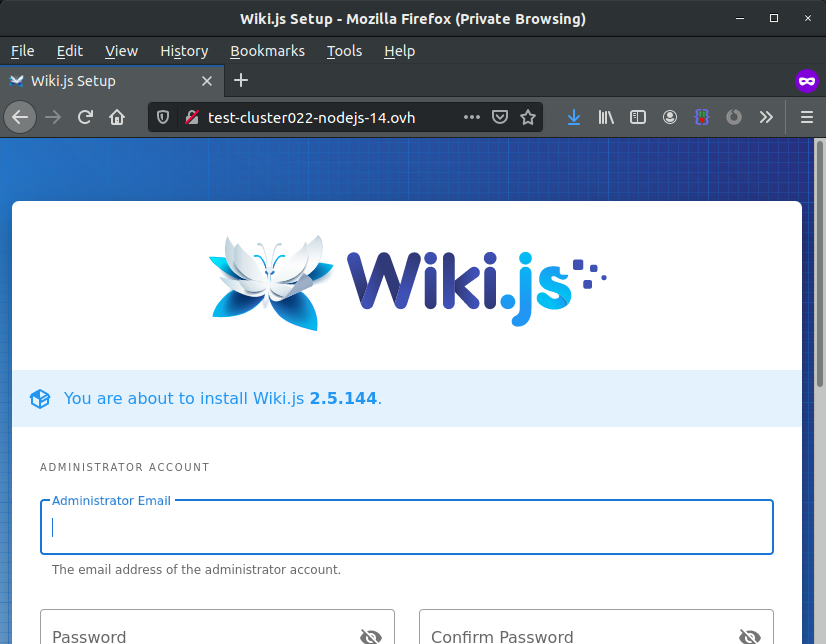
Then restart your instance and your WikiJS will be online.
Terminal output:
Go further
Join our community of users on https://community.ovh.com/en/.
Join our Discord on our web-hosting-power channel to discuss directly with the team and other users of this lab.


 Using TypeScript on your POWER web hosting plan
 68
68