

Migrate Helm Charts from Chartmuseum to OCI
368 Ansichten
 25.02.2026
  Cloud / Managed Private Registry
Objective
The OVHcloud Managed Private Registry service provides you a managed, authenticated Docker registry where you can privately store your Docker images and Helm charts.
Managed Private Registry is built on top of Open Source solution Harbor, to guarantee its interoperability.
Harbor supports two different ways to store the Helm charts data:
- Harbor registry storage directly via OCI API.
- Harbor hosted Chartmuseum backend via Chartmuseum's API.
From Harbor version 2.6, Chartmuseum is deprecated and is removed from Harbor version 2.8.
How to know if I have Helm charts stored inside Chartmuseum?
Follow the guide Connecting to the UI to connect to your registry.
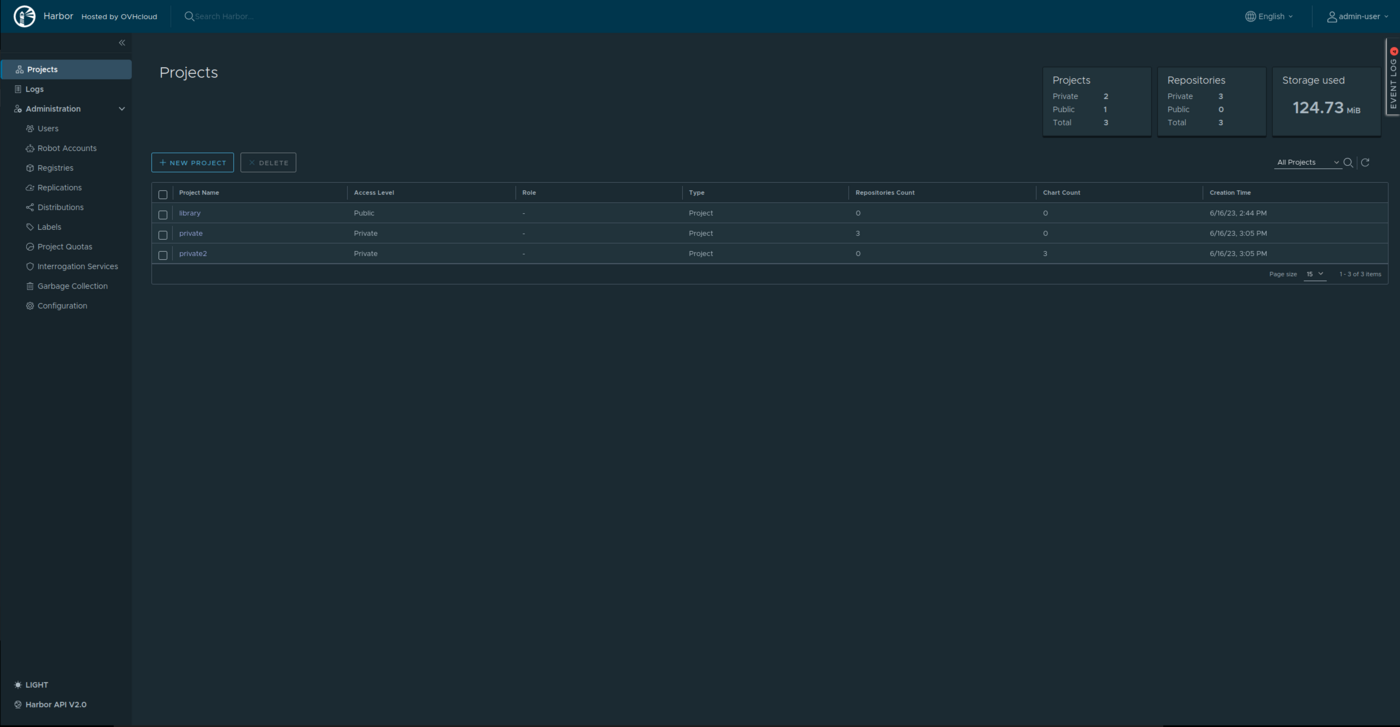
From the main page (Projects list) once you're logged in, check if you have some Chartmuseum Helm charts in "Chart Count" column.
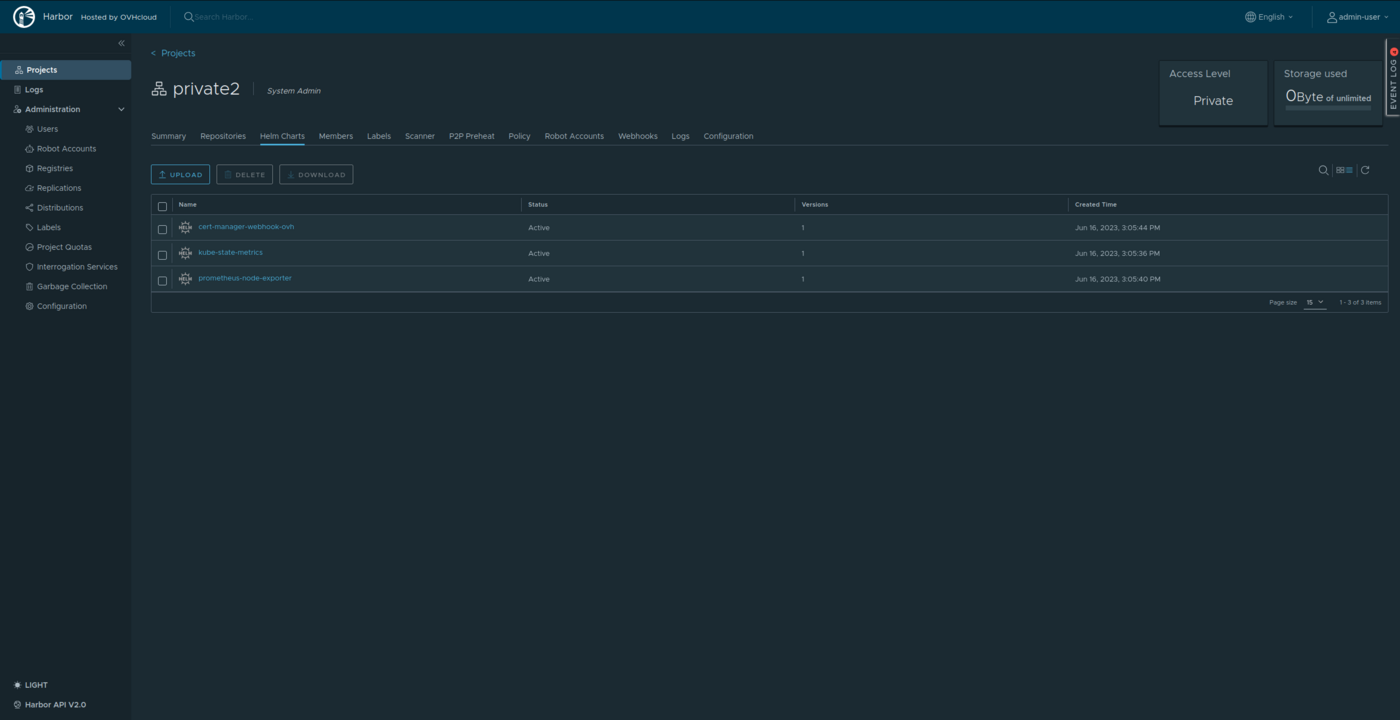
Helm charts stored in Chartmuseum are viewable under project "Helm Charts" tab.
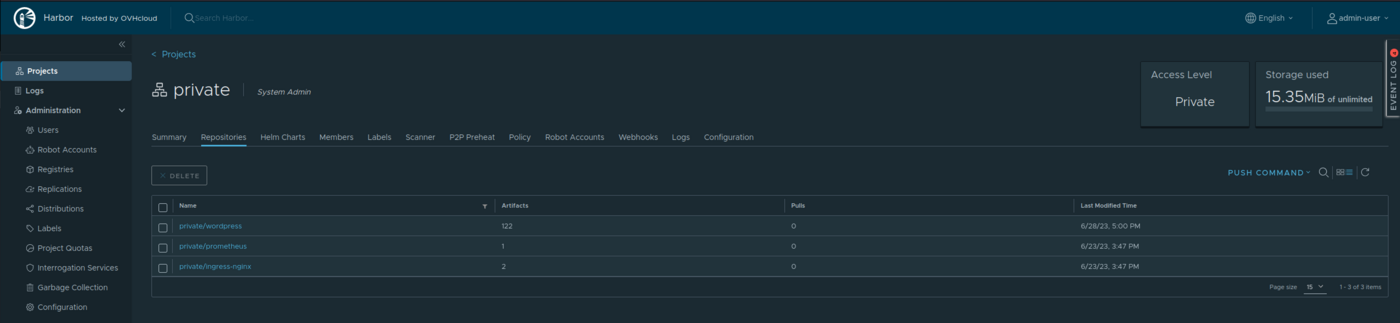
While Helm charts stored in OCI are viewable under project "Repository" tab like the Docker images.
Instructions
We developed a tool called chartmuseum2oci whose purpose is to migrate Helm charts from Harbor Chartmuseum to Helm OCI registry.
Requirements
To migrate all Helm charts you have to use an admin user or a user having at least the "developer" role on all projects.
If the user hasn't enough rights, only the Helm Charts contained in projects accessible by user will be copied. No error will be displayed.
Then export the following variables:
Run migration
Run the following commands:
During the migration, the tool will give you the amount of charts to migrate and the progression of the migration:
Then, when the migration is ended:
Important: The tool copies Helm charts but does not delete them from Chartmuseum.
Use OCI Helm charts
To interact with Helm charts in OCI format, use Helm in version 3.8+ (https://helm.sh/docs/intro/install/). To finalize the migration process, you have to modify all Helm charts occurrences to use OCI URL instead of Chartmuseum one. Find below some OCI examples:
Login
Push
Install
Useful Links
Go further
To have an overview of OVHcloud Managed Private Registry service, you can consult the OVHcloud Managed Private Registry site.
Join our community of users on https://community.ovh.com/en/.


 Managing Helm charts in the OVHcloud Managed Private Registry
 385
385